Last reviewed: 30 October 2026. This article describes an operating model for a bookkeeping practice; adapt the roles, checks, and tools to your firm’s size and the accounting frameworks your clients use.
It is the third week of the month. One bookkeeper has processed six client statements using a file-naming convention nobody else recognizes. Another checked only the closing balance, not the transaction count. A third is waiting on a statement that may or may not have arrived, because intake is not tracked centrally. The senior reviewer opens the shared folder and finds three different file structures, two unnamed PDFs, and a purchase mapped to “Office Supplies” for a client who actually bought inventory.
That is what multi-client bank statement processing looks like without a standard operating framework. The fix is not a single document; it is an operating model: one firm-wide processing sequence, separate accounting instructions for every client, defined ownership at each stage, and quality gates that catch problems before they reach the accounting software.
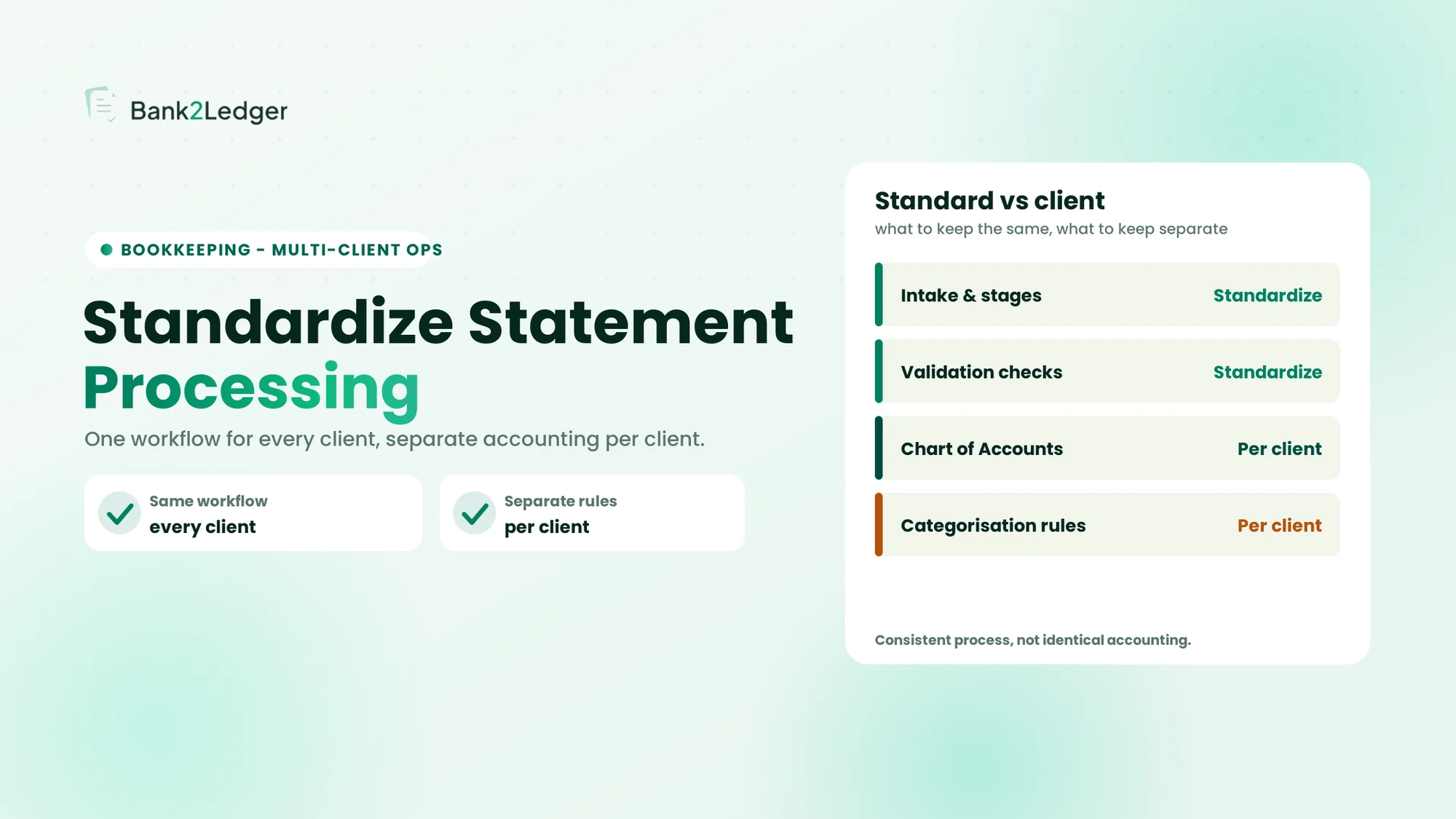
The central idea of this guide: standardize the operational workflow while keeping each client’s accounting decisions separate. Consistency comes from every statement passing through the same stages, checks, and tracking, not from every client receiving the same accounting treatment.
On this page
Why Accounting Firms Struggle to Process Bank Statements Consistently Across Multiple Clients
Firms struggle to keep processing consistent because different employees, clients, bank formats, and accounting requirements all introduce variation into the same workflow. A two-client practice can survive on institutional memory; a twenty-client practice cannot. The operational causes are worth naming, because each one has a different fix.
Different bookkeepers follow different processing methods
Without a defined workflow, each bookkeeper develops personal habits across file naming, transaction verification, categorisation, review, and how completion is recorded. One validates every line against the source PDF; another trusts the extracted total and moves on. One saves a file as ClientName_Bank_Jan2025, another as statements_v2_final. These inconsistencies stay invisible until review, or until a client questions a categorisation months later.
Each client has different accounting requirements
Clients differ in their Charts of Accounts, bank accounts, accounting software, recurring vendor mappings, and reporting requirements. Applying one client’s accounting rules to another produces wrong results: a merchant that is cost of goods sold for a retailer may be a marketing cost for a services firm. When the approved treatment lives in someone’s email thread or personal spreadsheet, every staff change and every sick day becomes a processing risk.
Managers struggle to track processing progress
When statements move through individual spreadsheets, folders, and email, the practice manager loses visibility. There is a real difference between knowing a statement was received and knowing whether it was processed, reviewed, approved, and exported. Without a central view, a backlog only becomes visible when the deadline hits, and by then the options are overtime or a missed deliverable.
What Does Standardizing Bank Statement Processing Actually Mean?
Standardizing means establishing consistent procedures for processing statements across the firm, not making every client’s bookkeeping identical. Every client’s statement passes through the same sequence of stages, with the same quality checks, the same status tracking, and the same escalation rules. The accounting treatment inside those stages still belongs to the individual client.
Standardize the operational workflow
The repeatable part of the work is the sequence: intake, identification, extraction, validation, categorisation review, exception handling, approval, and export. Every statement runs the same path, which is what makes the output predictable regardless of who processed it.
Preserve client-specific accounting requirements
The accounting treatment must still follow the relevant client’s Chart of Accounts, policies, and instructions. The table below splits what should be the same across the firm from what must stay specific to each client.
| Standardized across the firm | Specific to each client |
|---|---|
| Statement intake process | Bank account details |
| File naming conventions | Chart of Accounts |
| Processing stages | Categorisation rules |
| Validation checklist | Recurring merchant mappings |
| Review responsibilities | Accounting policies |
| Exception tracking | Special instructions |
| Completion records | Reporting requirements |
A short illustration makes the line concrete. Suppose both a consulting firm and a retail business show a payment to the same online marketplace. For the consulting firm it is a book, mapped to professional development; for the retailer it is product packaging, mapped to cost of goods sold. A firm-wide rule that auto-categorises every payment to that marketplace the same way would be wrong for at least one of them. The workflow should be identical; the categorisation rules should not be. Consistency comes from following the same process, not from producing identical accounting decisions.
Build a Standard Bank Statement Processing Workflow for Multiple Clients
Every statement, regardless of client, bank, or format, should move through the same eight stages. The accounting decisions change per client; the stages do not. Each stage has an action, an owner, and a completion condition, and a failed check should stop forward movement rather than pass a problem downstream.
01
02
03
04
05
06
07
08
Two stages benefit from existing references. Intake maps directly to a bank statement intake checklist, and the choice of extraction route is the subject of bank feeds versus statement conversion, which helps decide where a given client sits in the hierarchy above.
Maintain Separate Client Profiles and Accounting Instructions
The way to keep client-specific information organised without inventing a different operational process for every client is a short reference profile per client: the minimum information any team member needs to process that client’s statements correctly.
What should a client processing profile contain?
The template is standard across the firm; the content is unique to each client. A fictional example:
| Field | Example (fictional) |
|---|---|
| Client name | Northstar Consulting |
| Entity | Northstar Consulting Ltd |
| Bank accounts | Operating, savings |
| Accounting software | QuickBooks Online |
| Chart of Accounts | Client-specific reference, last updated Jan 2025 |
| Categorisation rules | Approved vendor mappings |
| Recurring transactions | Known vendors |
| Review owner | Senior bookkeeper |
| Special instructions | Intercompany transfers require manager approval |
| Reporting deadline | Monthly, by the 10th of the following month |
Why should client instructions be updated?
A profile that is not maintained quietly becomes a source of repeated errors. Update it when a new bank account is opened, the Chart of Accounts changes, a merchant changes its purpose, a client switches accounting software, or a new transaction type appears. This is not another exercise in creating categorisation rules; it is how those rules are kept current as part of a wider multi-client operation. Build the update into the monthly close, or the profiles decay within a couple of quarters.
Assign Clear Roles and Responsibilities Across the Bookkeeping Team
Standardization fails when nobody owns a processing stage. Ownership answers one question: when something goes wrong, who owns the fix? Four roles cover the work.
- Document coordinator: receives and checks statements for completeness and correct filing.
- Processing bookkeeper: handles extraction, preparation, and the initial validation checks.
- Senior reviewer: reviews exceptions and categorisation and signs off on output quality.
- Practice manager: allocates workload, manages deadlines, and keeps the process consistent.
A RACI view keeps accountability explicit across the stages that matter most:
| Activity | Processor | Reviewer | Manager |
|---|---|---|---|
| Statement preparation | Responsible | Informed | Informed |
| Initial validation | Responsible | Consulted | Informed |
| Exception resolution | Responsible | Accountable for review | Escalation |
| Final approval | Consulted | Responsible | Accountable |
| Workflow monitoring | Informed | Informed | Responsible |
Smaller firms can combine roles, and a three-person practice might merge the coordinator and bookkeeper. That is fine, as long as the distinction between who processes and who approves does not collapse into one person without the practice manager knowing.
Establish Standard Quality-Control Checks for Every Client
A consistent quality-control framework stops the firm from relying entirely on individual employee habits. The checks fall into four groups, applied at the same points for every client.
Document and statement checks
Verify the correct client, account, and period, and that the statement is complete, before any processing starts.
Transaction data checks
Verify dates, amounts, debit and credit signs, descriptions, and currency details against the source.
Categorisation checks
Confirm the correct client-specific rules and Chart of Accounts were applied, not a generic mapping.
Final output checks
Verify the destination format and required fields before export, so the file does not fail on import.
| Quality check | What it verifies | When |
|---|---|---|
| Client identification | Correct entity and account | Before processing |
| Statement completeness | Required coverage and pages | During intake |
| Extraction accuracy | Data against source | After extraction |
| Balance validation | Mathematical consistency | During validation |
| Categorisation review | Correct client-specific mapping | Before approval |
| Export validation | Destination requirements | Before completion |
One distinction holds the framework together: data validation, accounting judgment, and final approval are separate controls. A bookkeeper can confirm the numbers were pulled correctly from the PDF without being the person qualified to decide whether a cost is capitalised or expensed, which is why the checks to run before importing converted data and the accounting review sit at different gates.
Manage Exceptions and Unresolved Transactions Across Clients
Exceptions are normal: unknown merchants appear, descriptions are cryptic, statements arrive with gaps. The goal is not to eliminate them but to keep them from stalling everything else, and to handle them consistently rather than through informal messages and individual notes.
Common exceptions
- Unknown transaction descriptions and unfamiliar merchants.
- Missing statements or missing pages.
- Duplicate transactions from overlapping periods or a newly activated feed.
- Unclear debit or credit entries, and unusual bank charges.
- Missing supporting documents, or incorrect and incomplete extraction.
Use a central exception register
Every exception gets an owner, a next action, and a status, so it stays visible until resolved instead of vanishing into an email thread. A fictional example:
| Client | Issue | Owner | Next action | Status |
|---|---|---|---|---|
| Northstar Consulting | Unknown merchant on a January line | Bookkeeper 1 | Request clarification from client | Pending |
| Redwood Retail | Possible duplicate charge | Bookkeeper 2 | Compare against the source statement | Under review |
| Summit Legal | Missing statement page | Document coordinator | Re-request the source document | Open |
This is about managing exceptions across a portfolio rather than deciding, case by case, when a single transaction should be flagged for review. Recording resolutions in the client profile, not only in the register, stops the same exception reappearing next month.
Track Bank Statement Processing Progress Across All Clients
A practice manager needs a central view of the work in progress, so attention goes to the clients who need it before a deadline forces the issue.
Track statements by processing status
A small set of statuses keeps every statement locatable at a glance: awaiting documents, received, ready for processing, in progress, awaiting clarification, under review, approved, and exported. A fictional month-end tracker:
| Client | Statement | Status | Assigned to | Due |
|---|---|---|---|---|
| Northstar Consulting | Received | Under review | Senior bookkeeper | 10 Feb |
| Redwood Retail | Received | In progress | Bookkeeper | 12 Feb |
| Summit Legal | Incomplete | Awaiting a page | Coordinator | 8 Feb |
| Bayshore Holdings | Not received | Awaiting statement | Coordinator | 10 Feb |
Identify bottlenecks
The same view surfaces the bottlenecks: clients who have not submitted statements, work waiting to be processed, statements waiting for review, exceptions delaying completion, and overdue tasks. The tracker can be a spreadsheet, a project board, or a purpose-built tool; the format matters less than the discipline of updating it at every stage transition.
Measure and Improve Your Multi-Client Processing Workflow
A few operational indicators reveal where the workflow breaks down. These are signals to investigate, not universal benchmarks, and they should never reward speed over accuracy.
| Metric | What it helps identify |
|---|---|
| Processing turnaround time | Delays between receipt and completion |
| Outstanding statements | Missing client documents |
| Exception backlog | Unresolved transactions |
| Rework frequency | Repeated corrections |
| Review turnaround | Approval bottlenecks |
| Categorisation corrections | Rule or instruction issues |
Read the metrics as prompts. If one client’s statements consistently arrive late, that is a client-management conversation. If one transaction type generates repeated corrections, that is a rule or training gap. If reviewer queues back up every month-end, that is a capacity question. When a stage proves repetitive and low-judgment, it is also a candidate for automation, which is the lens behind which bookkeeping tasks to automate first.
How Bank2Ledger Supports Multi-Client Bank Statement Processing
The workflow above stands on its own. Bank2Ledger is built to support it at the pre-accounting stage: separate workspaces per client, each with its own Chart of Accounts and categorisation rules, extraction of transactions from statement PDFs including scanned ones, a balance check that confirms opening plus the lines equals the closing figure, a review queue that holds low-confidence lines until someone approves them, and exports in accounting-ready formats, with processing and export activity visible across clients.
The division of labour is the point: the firm keeps its accounting policies, client rules, and final approval, and the tool handles consistent statement preparation across the portfolio. It does not replace the firm’s standard operating procedure or approve transactions on its own, so the roles, checks, and review gates in this guide still apply.
Standardize the statement work, keep the accounting yours
Bank2Ledger prepares, checks, and categorises bank statements per client, with separate workspaces, client-specific rules, and an audit trail back to the source line. Explore how it supports consistent multi-client processing while your team keeps control of the accounting.
Frequently Asked Questions
How do accounting firms process bank statements for multiple clients?
Firms that do this well apply one processing workflow to every client, moving each statement through intake, extraction, validation, client-specific categorisation, exception review, approval, and export, while keeping separate accounting rules and Charts of Accounts per client in a reference profile. The workflow is standard; the accounting treatment is not.
How can bookkeeping firms standardize their processing procedures?
Define the same stages for every statement, assign an owner to each stage, apply the same quality checks at the same points, and track every statement’s status centrally. Standardize the operational sequence and the controls, and keep each client’s accounting decisions in their own profile rather than in individual bookkeepers’ heads.
Should every client have separate transaction categorisation rules?
Yes. The same merchant can represent different accounts for different businesses, so a payment to a courier might be a delivery expense for a retailer and a marketing cost for a firm shipping promotional material. Shared rules create silent categorisation errors, which is why client-specific accounting requirements must be maintained per client.
How can firms manage multiple bookkeepers working on different clients?
Give everyone the same processing checklist to follow at every stage, keep an up-to-date client profile so the output does not depend on who processed the file, and preserve the split between who processes and who approves. Shared procedures plus a review checkpoint keep quality consistent across the team.
What should be checked before bank statement data is exported?
Confirm the correct client and account, verify the statement period, check that extracted values match the source, validate the opening-to-closing balance relationship, review categorisation against the client’s rules, confirm all exceptions are resolved or documented, and verify the export format matches the destination software.
How can firms track the status of bank statement processing?
Use a central register or dashboard that shows each client’s current stage, from awaiting documents through to exported, updated at every stage transition. That makes the status of every client visible to the practice manager without having to ask each bookkeeper individually.
Conclusion
Consistent multi-client processing rests on four things: standardize the operational workflow, maintain separate client accounting instructions, establish the same quality controls for every client, and give the practice manager clear processing visibility. Standardize the process, not the accounting decisions, and the firm gets predictable output without flattening what makes each client’s books correct. Bank2Ledger is worth exploring as the pre-accounting layer that keeps that statement work consistent across your portfolio.