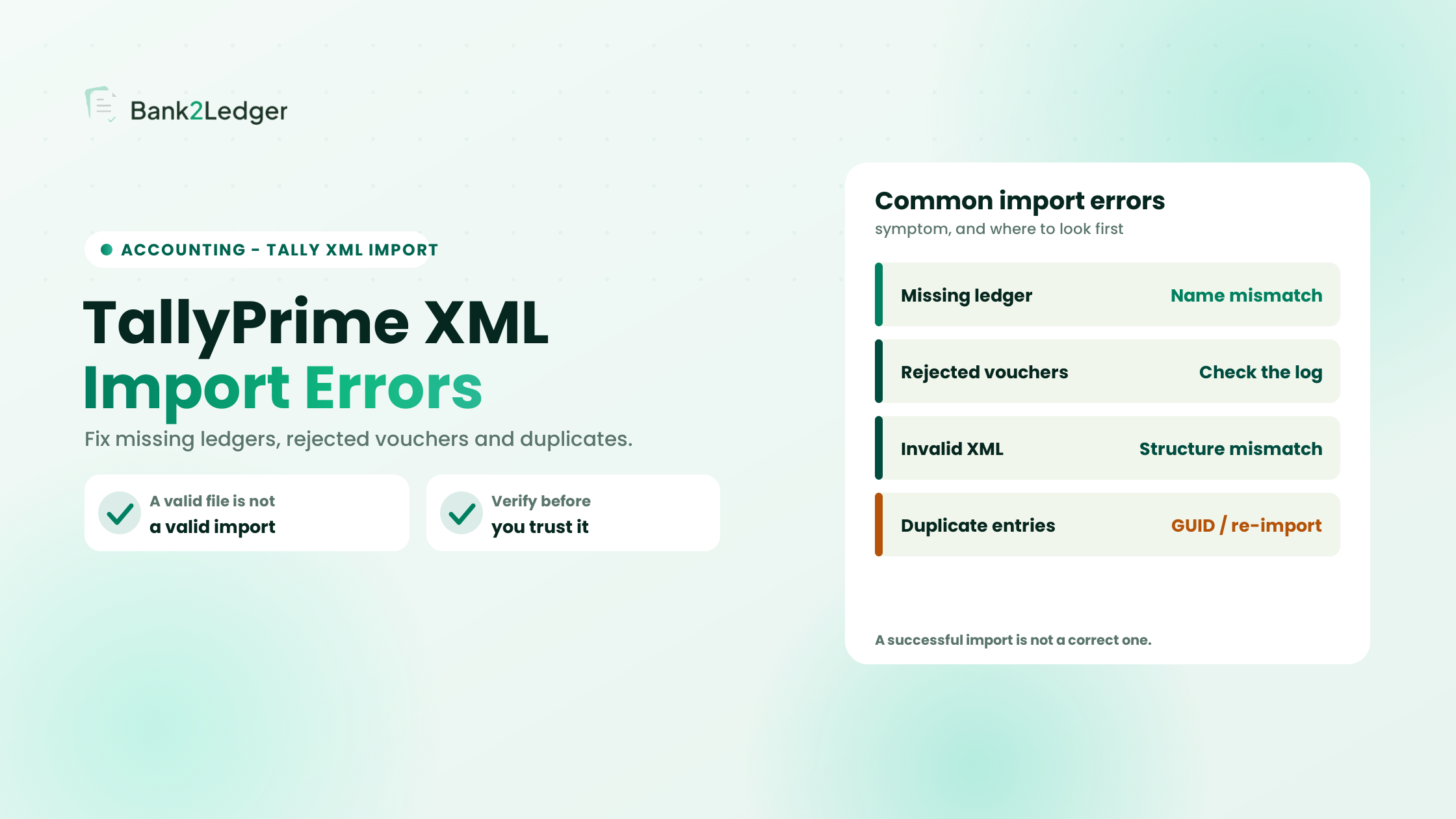
Last verified: 27 October 2026, against TallyPrime’s official bank statement and data-import documentation. Menu paths and messages change between TallyPrime releases, so confirm the current steps for your version...
Mohnish Katre
Chartered Accountant and Co-Founder of ProfitBooks. Mohnish works at the intersection of accounting, finance, and technology, with a focus on helping businesses and accounting professionals simplify financial workflows through automation. He actively follows the startup and fintech ecosystem and writes about accounting, finance, bookkeeping, automation, and emerging technologies shaping the future of financial operations.
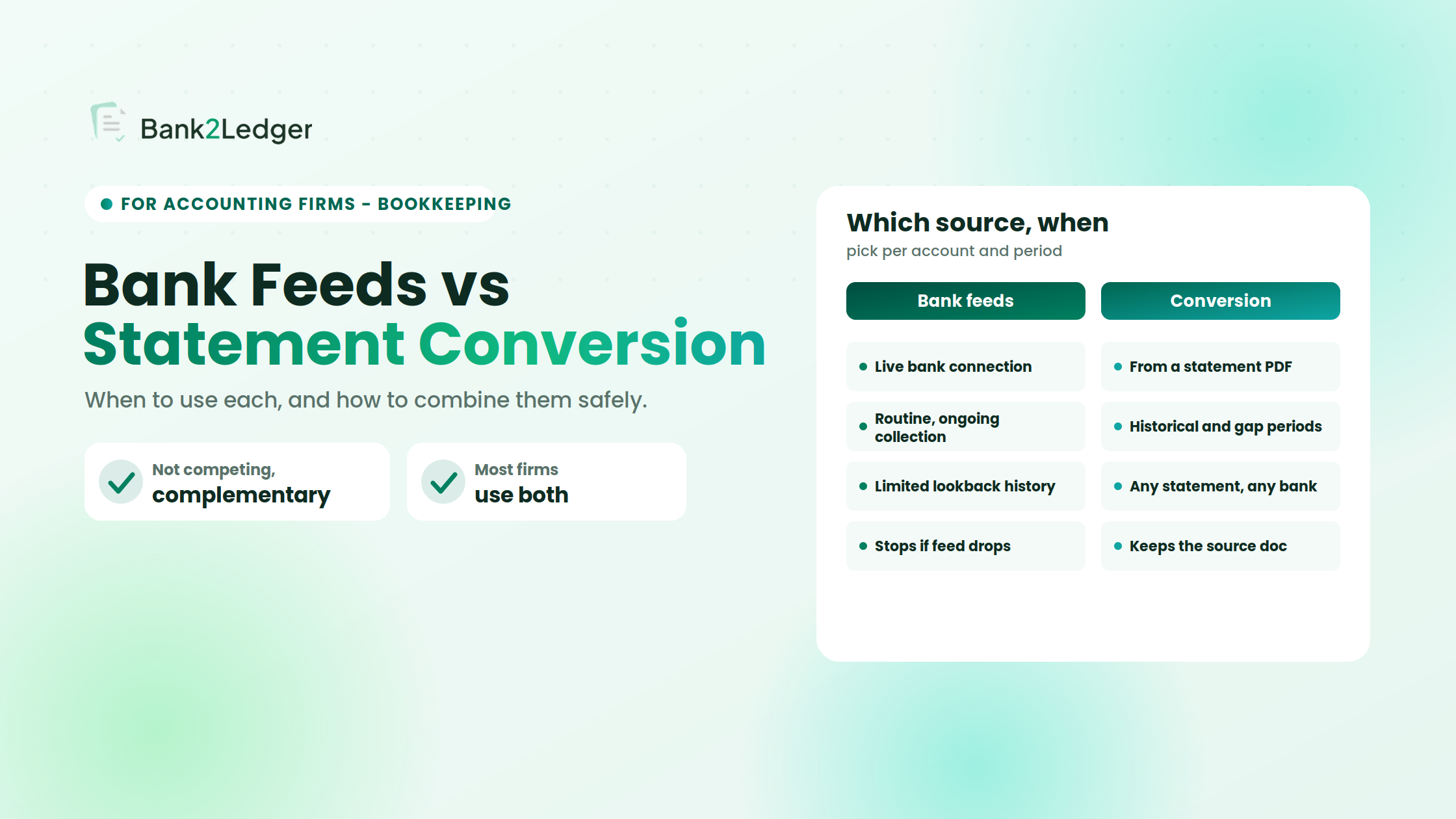
Picture a Monday at 9 AM. Your team opens the practice dashboard. Client A’s bank feed is pulling transactions as expected. Client B’s feed disconnected over the weekend, and...
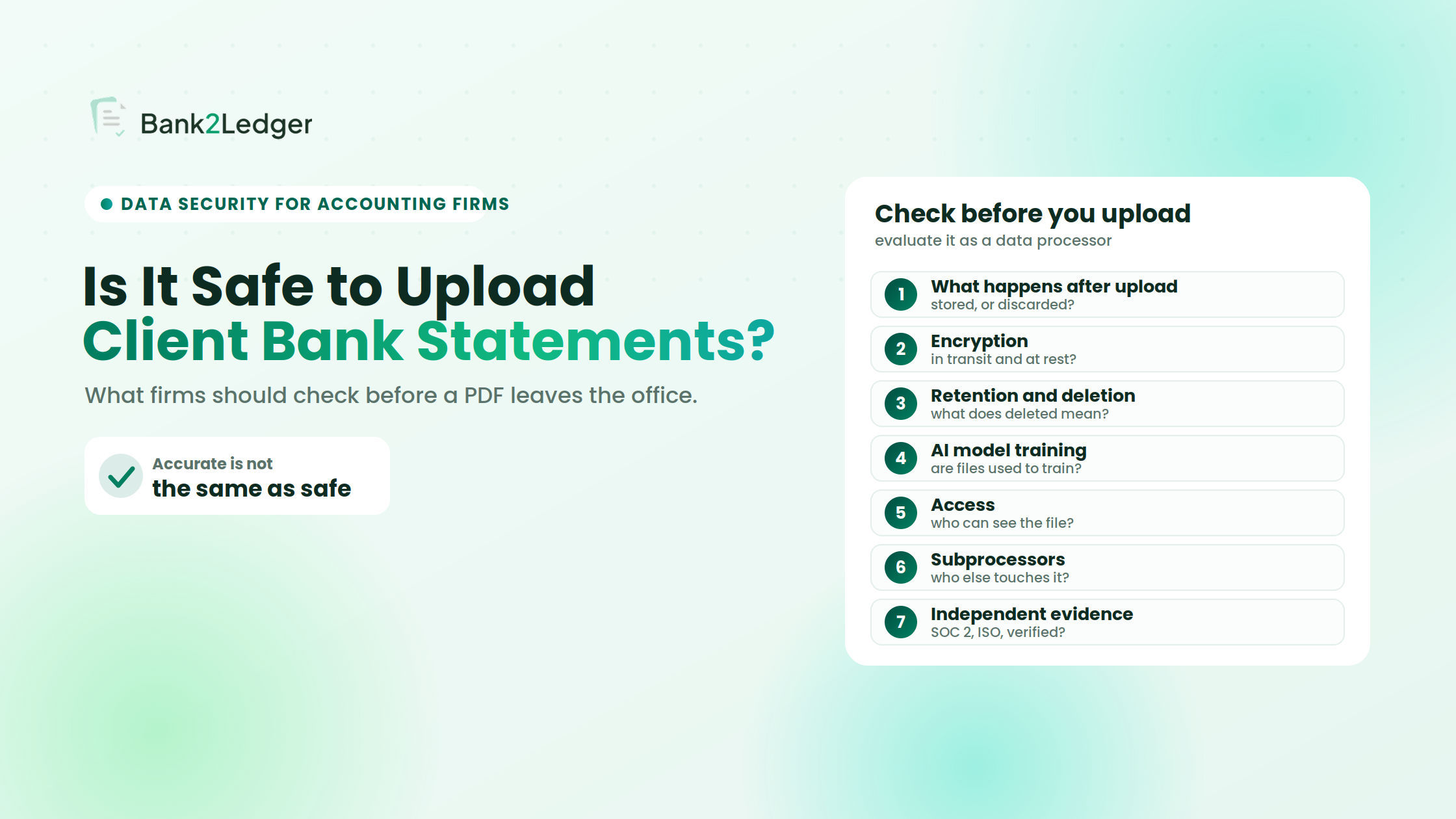
A client sends over six months of bank statement PDFs on a Friday afternoon. The team needs structured transactions inside the accounting software before month-end close. Manual entry would...
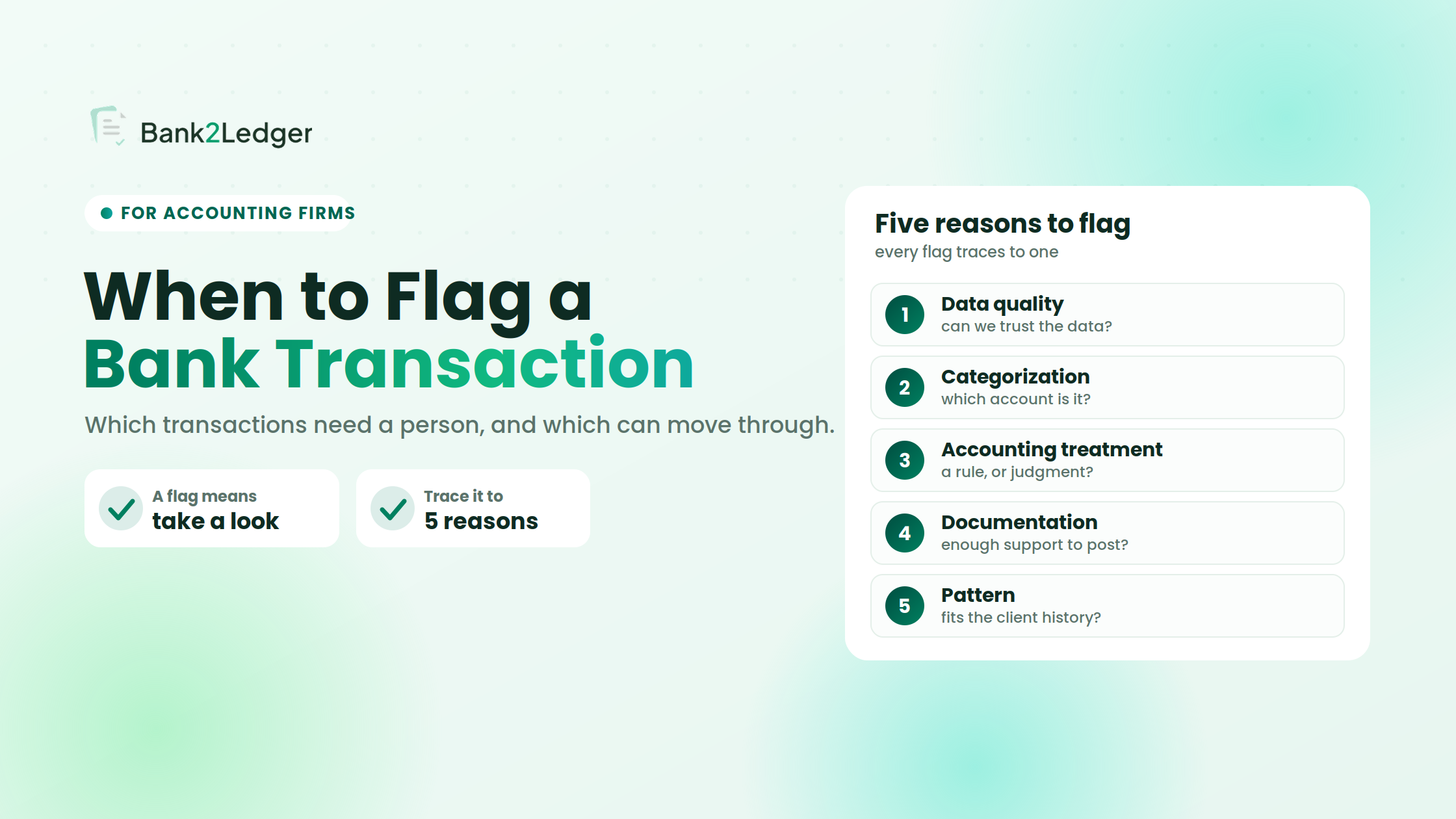
Forty-seven transactions sit on a client’s monthly bank statement. Thirty-nine are familiar: the same SaaS subscriptions, the same payroll runs, the same rent payment that has hit on the...
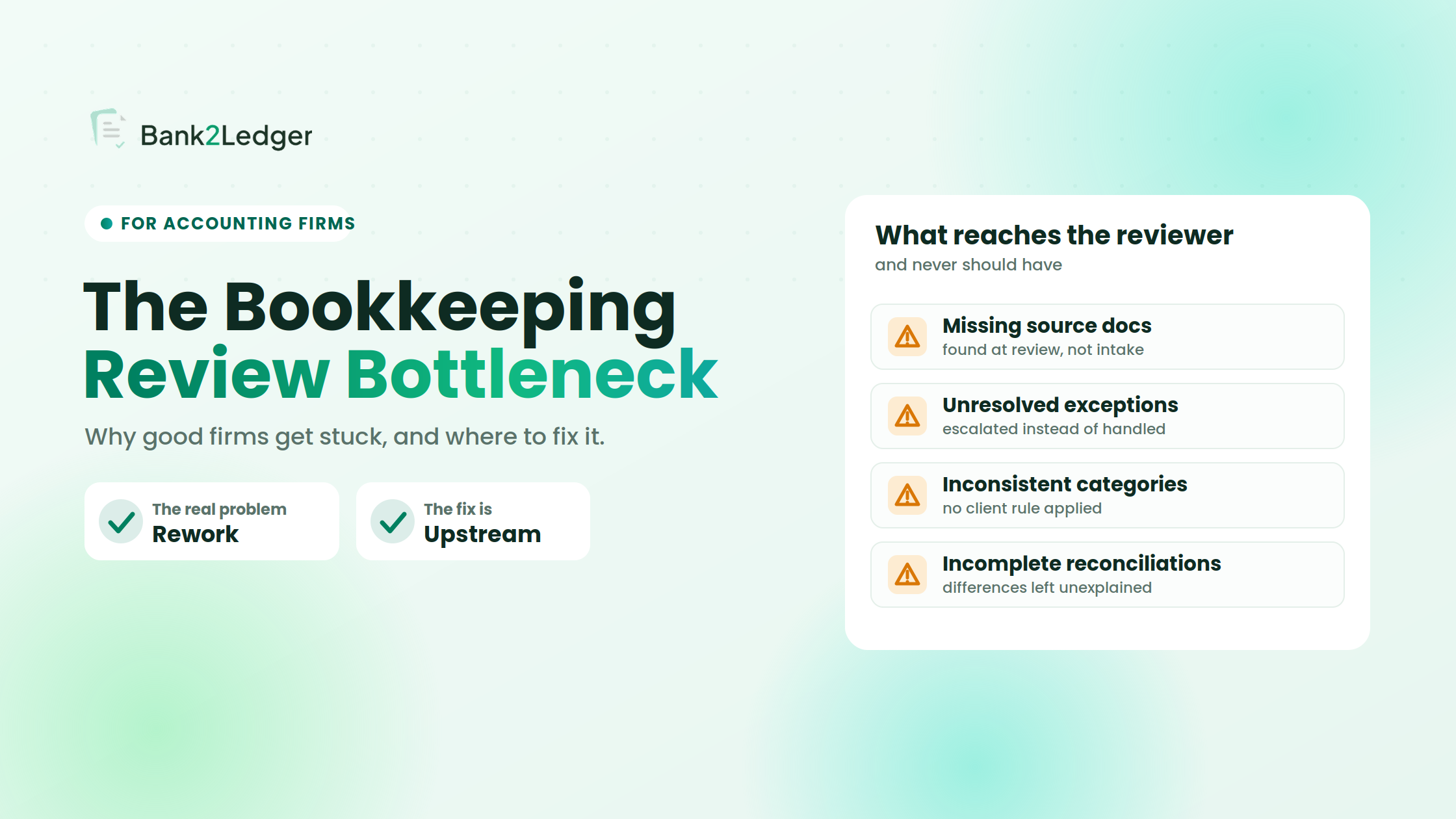
A bookkeeper marks a client’s monthly work complete and moves it to the review queue. The senior accountant opens the file. Inside: one missing bank statement, a handful of...
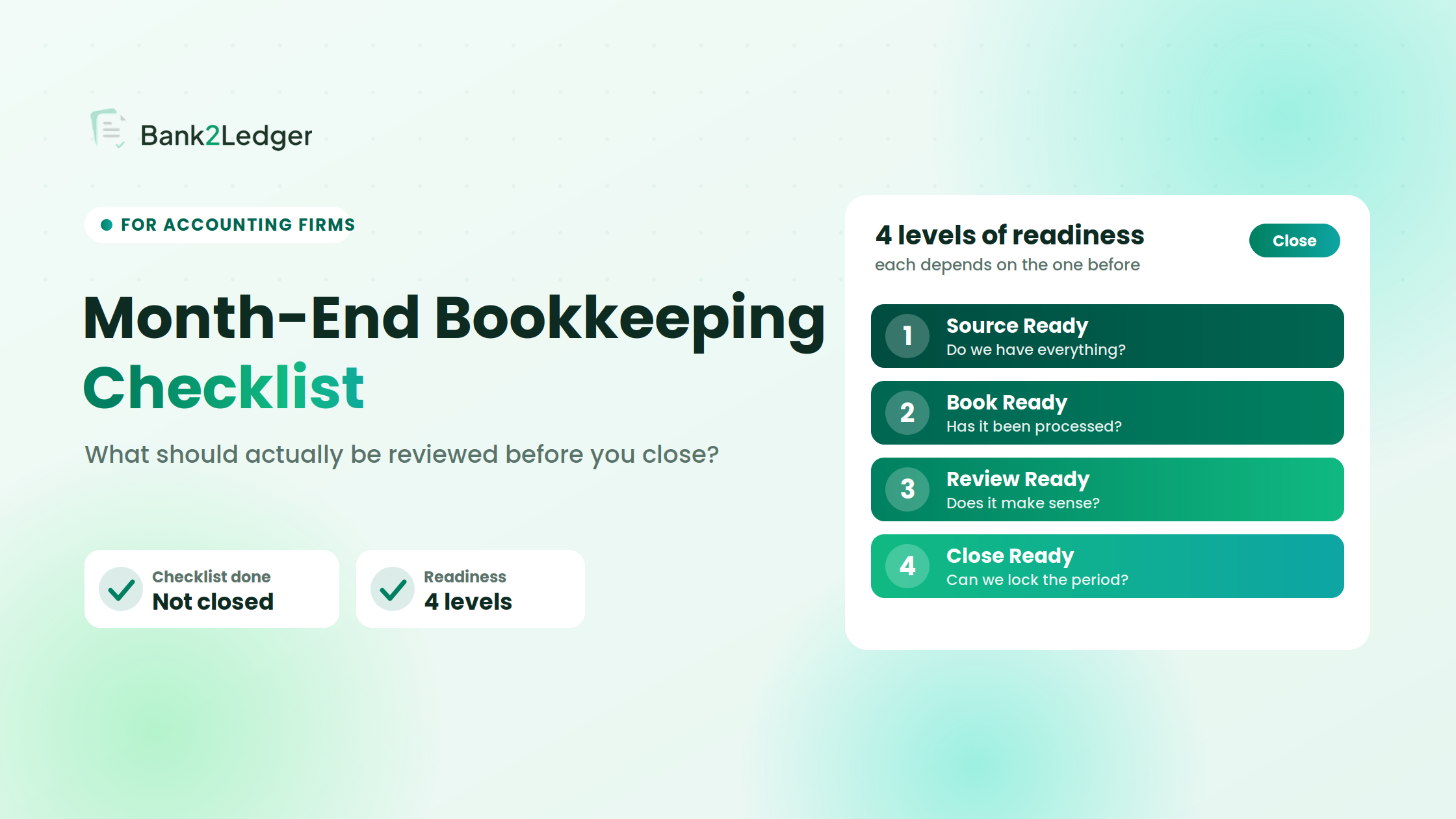
Every bank account reconciled. Every transaction categorized. Every item on the checklist marked complete. And the books still aren’t right. I’ve reviewed month-end files where the preparer followed the...
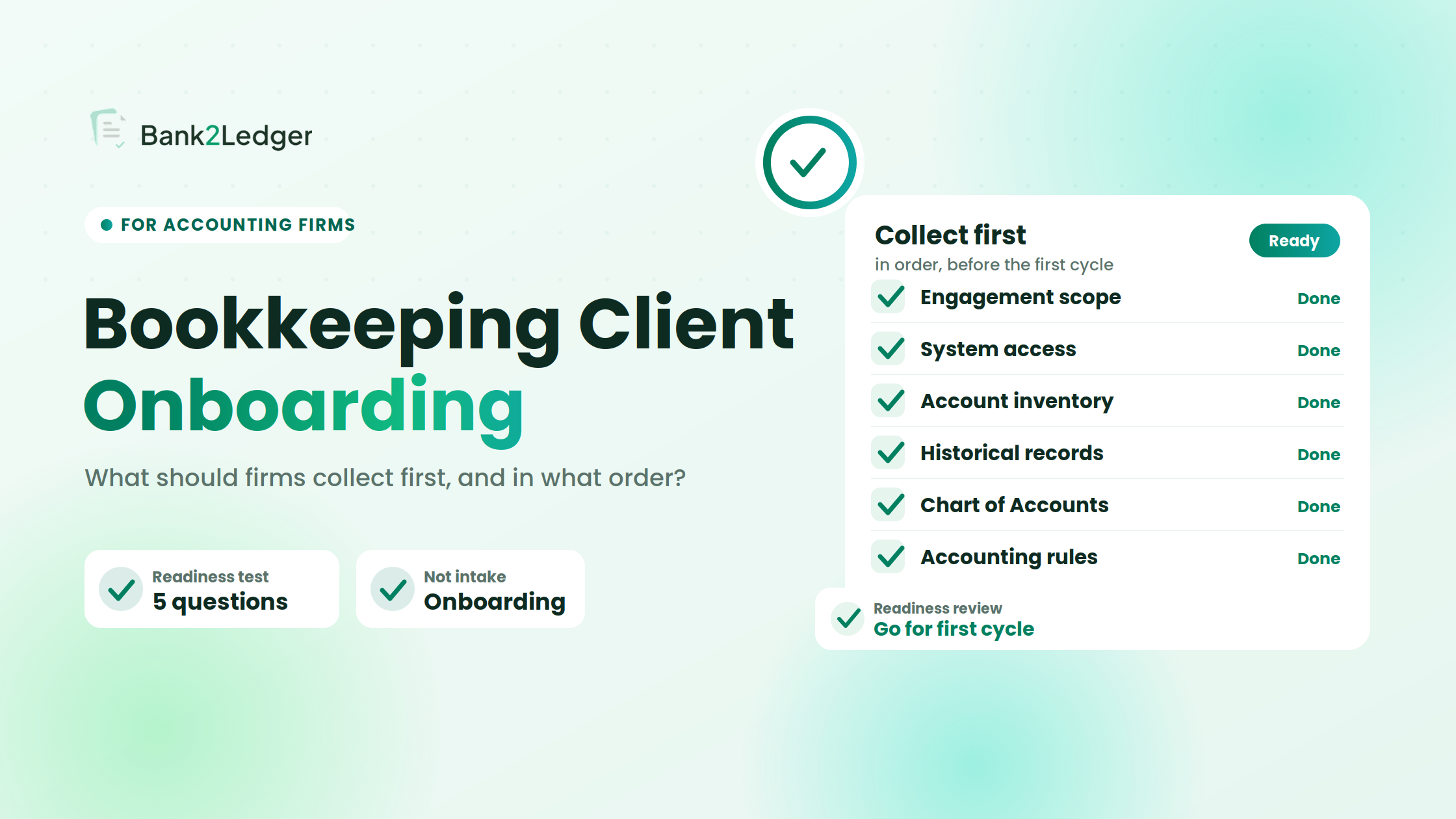
A new bookkeeping client sends over a zip file. Inside: twelve months of bank statements, a QuickBooks login on a sticky note, and a one-line email that says “here’s...
The CSV uploaded without a single error. Every row imported. The client’s Xero bank account showed three months of transactions, neatly timestamped, amounts intact. And one entire statement page...
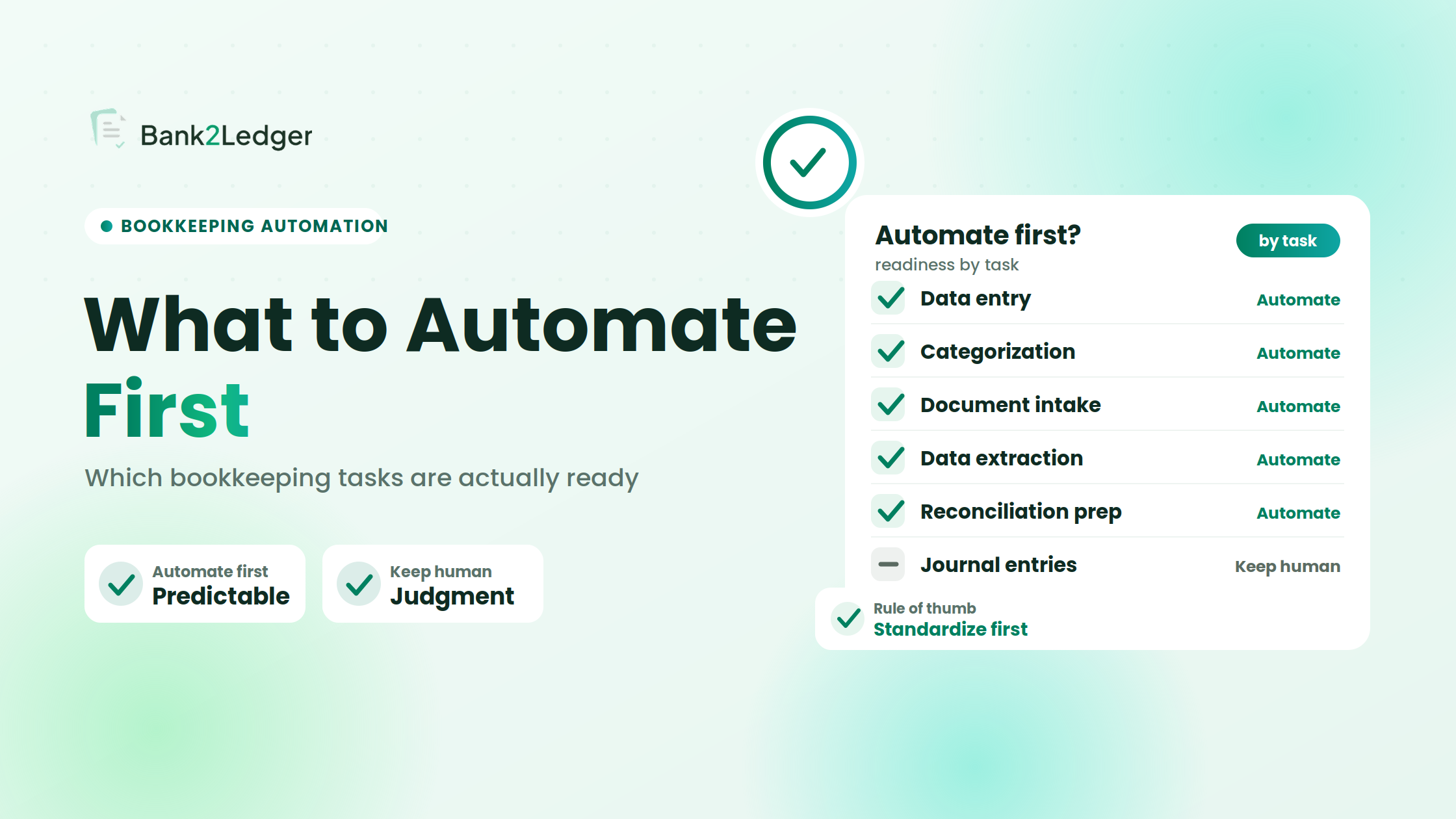
Three weeks into a bank statement processing pilot, the firm had automated categorization running on twelve clients. Eight were working well. Four were producing more exceptions than the team...
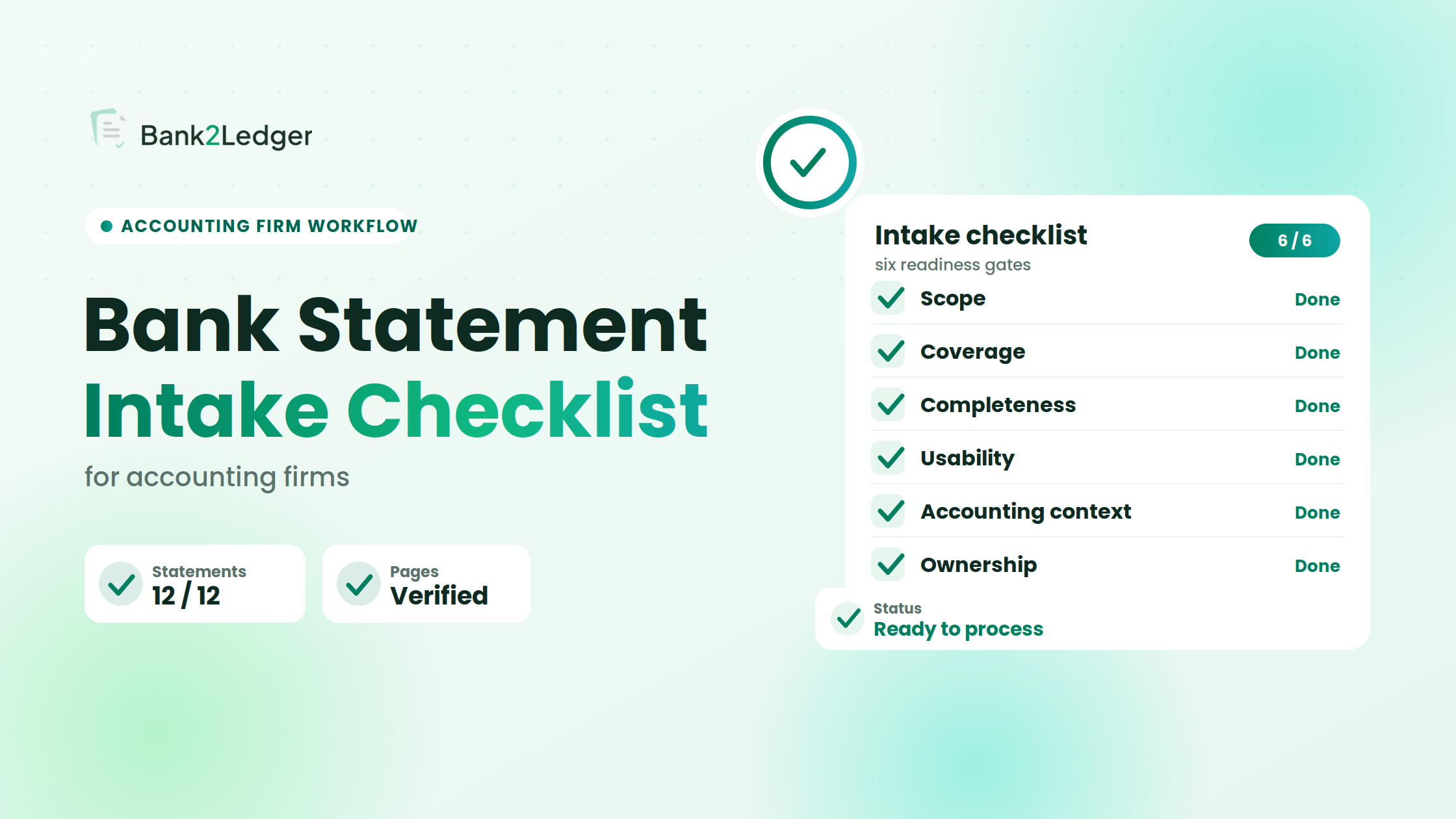
A client sends over a folder of bank statements for the year. Twelve PDFs, clearly labeled, all from the right bank. Looks good. The team starts processing, and within...