Examples use Indian rupees and illustrative references for consistency; they are hypothetical, not jurisdiction-specific rules. Regulatory points are general and should be checked against the current source. This article is general guidance, not accounting or legal advice.
A senior reviewer opens a client file three months after it was exported. One expense sits under Professional Fees, but the original bank description reads like a routine office payment. The category was changed during review. The firm now has to establish what was originally recorded, what the junior bookkeeper first entered, what was changed, who changed it, why, and which version was finally exported.
If the firm kept only the final processed file, none of that is answerable from the record. Someone spends an hour reconstructing the history from memory and email, or quietly accepts the number and hopes nothing else moved. Retaining the final output does not explain how the data reached its final state, and that gap is what a processing audit trail closes.
This article explains what a bank statement processing audit trail is and why it matters when several people handle client statements. It covers which records to maintain, how to document transaction changes, and how a firm can build a traceable processing workflow from intake to export.
On this page
What Is an Audit Trail in Bank Statement Processing?
A bank statement processing audit trail is a chronological record of the source documents, processing activities, transaction changes, exceptions, reviews and outputs involved in preparing bank statement data for bookkeeping. Its purpose is reconstruction: being able to trace a transaction from the original statement through every change to the final exported entry.
That record is not a single file or a single log. It is the connected history of what happened at each stage of the work, captured in enough detail that a person who did not do the work can still follow it.
From the Original Statement to the Final Accounting Output
A typical statement moves through a predictable sequence, and the audit trail should make the important activities across these stages traceable:
- A client provides a bank statement.
- The statement is identified and uploaded.
- Transaction information is extracted.
- The extracted data is checked.
- Transactions are categorised.
- Uncertain or inconsistent entries are flagged.
- Corrections are made.
- The processed data is reviewed.
- The final output is exported.
What Makes an Audit Trail Different from a Processing Log?
These terms are often used interchangeably, but they are not the same thing, and the distinction matters:
- A processing log may show that a file was uploaded or processed.
- A transaction history may show that an amount or category was changed.
- A review record may show who checked the work.
- An audit trail connects the relevant activities into a single traceable history.
An application log is not automatically a complete audit trail. A system can record that something ran at a certain time without recording what data changed, who changed it, or why. Those missing pieces are usually the ones a later review actually needs.
The processing workflow, viewed as a chain of records, looks like this:
Why Do Bookkeeping Firms Need a Traceable Processing History?
The benefits are operational, and they show up in situations firms meet regularly.
1. Investigating Client Questions
A client may dispute a transaction’s category, date or amount weeks after the work was delivered. With the original statement and the change history on hand, the firm can establish what was received and what was changed, instead of relying on someone’s recollection of a file they processed among dozens of others.
2. Reviewing Work Completed by Junior Bookkeepers
A firm that splits work between junior and senior staff needs to know who processed a statement and who reviewed it. The processing records let a senior bookkeeper see which corrections were made, which entries were left open, and what still needs attention, which is difficult to do from the final file alone.
3. Identifying Repeated Processing Problems
Historical records help a firm notice patterns that no single statement reveals, such as recurring issues with a particular client or account:
- Incorrect transaction descriptions.
- Repeated categorisation changes.
- Missing supporting documentation.
- Balance discrepancies.
- Frequent manual corrections.
Keeping the records does not fix these problems on its own. It makes them visible, so the firm can decide whether a rule, a client instruction, or a process step needs to change.
4. Maintaining Accountability Across Multiple Clients
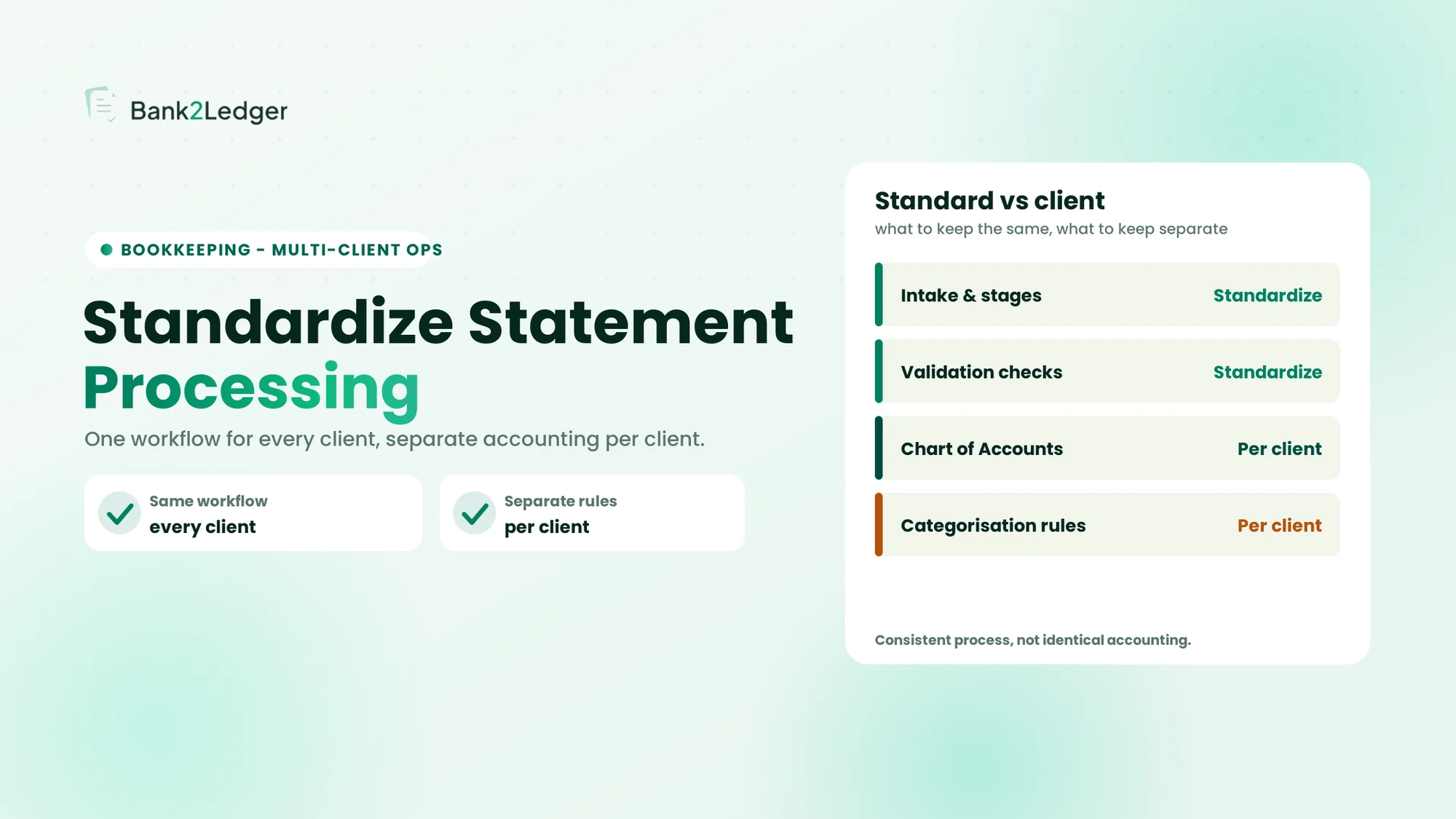
A firm should be able to identify, for each processing job, the client, the bank account, the statement period and the staff responsible. Consider two bookkeepers processing statements for different clients. Both encounter a payment to the same merchant, but the appropriate expense category differs because the clients have different accounting requirements. Client-specific context and processing history are what prevent one client’s treatment from being applied to another, and they are a large part of why firms standardise bank statement processing across clients.
What Should a Bank Statement Processing Audit Trail Capture?
There is no single universal field list that suits every firm. The right record set depends on the firm’s process, its risks, the software it uses, and the obligations that apply to it. The categories below describe what is worth capturing, why it matters, and the fields that are typically useful. A firm can scale them up or down to fit its work.
1. Original Bank Statement and Source Document Details
Every processed statement needs a traceable source, so the final data can always be tied back to the file it came from.
| Field | What it records | Why it matters |
|---|---|---|
| Client identifier | Client or business associated with the statement | Prevents client mix-ups |
| Bank account identifier | Relevant bank account reference | Distinguishes multiple accounts |
| Original file name | Name of the received PDF | Helps identify the source |
| Statement period | Start and end dates | Establishes the covered period |
| Received date | When the firm received the file | Documents intake |
| Uploaded date | When the file entered the workflow | Establishes processing chronology |
| Source reference | Link or reference to the original file | Connects processing to evidence |
Sensitive account information should be masked where appropriate, and access to original documents should be restricted. Practical example: a client has three bank accounts, and two statements cover the same month. Without clear account identifiers, a reviewer can accidentally associate transactions with the wrong account.
2. Processing Activity and Timestamps
A record of the significant workflow activities shows how the statement moved through the process. The activities worth recording include processing initiated, extraction completed or failed, manual correction performed, statement sent for review, review completed, processing returned for correction, and final export generated.
| Field | Purpose |
|---|---|
| Activity type | Identifies what happened |
| Activity timestamp | Shows when it happened |
| User or process identity | Identifies who or what performed it |
| Processing reference | Links the event to the statement |
| Status | Shows whether the activity succeeded, failed or remains pending |
Failed attempts and reprocessing are worth recording where they affect the statement’s history. A timestamp is also not the same as a complete record: knowing that processing occurred at 10:30 AM does not explain what data changed, which is why activity records and change records are both needed.
3. Transaction-Level Changes and Corrections
This is where many firms fall short, and it is the part that answers most later questions. Changes worth tracking include correcting an extracted date, correcting an amount, updating a transaction description, changing a debit or credit designation, and updating a reference number.
| Field | Example |
|---|---|
| Transaction reference | TXN-1048 |
| Field modified | Description |
| Original value | ABC Srvcs |
| Updated value | ABC Services |
| Changed by | Bookkeeper A |
| Change timestamp | 5 November, 10:30 AM |
| Reason | Verified against source statement |
A useful change record follows a few principles. The original value should stay distinguishable from the revised value. The change should be linked to the correct transaction. The person responsible should be identifiable. The reason should be documented when the firm’s control process requires it. And the change history should remain connected to the relevant statement.
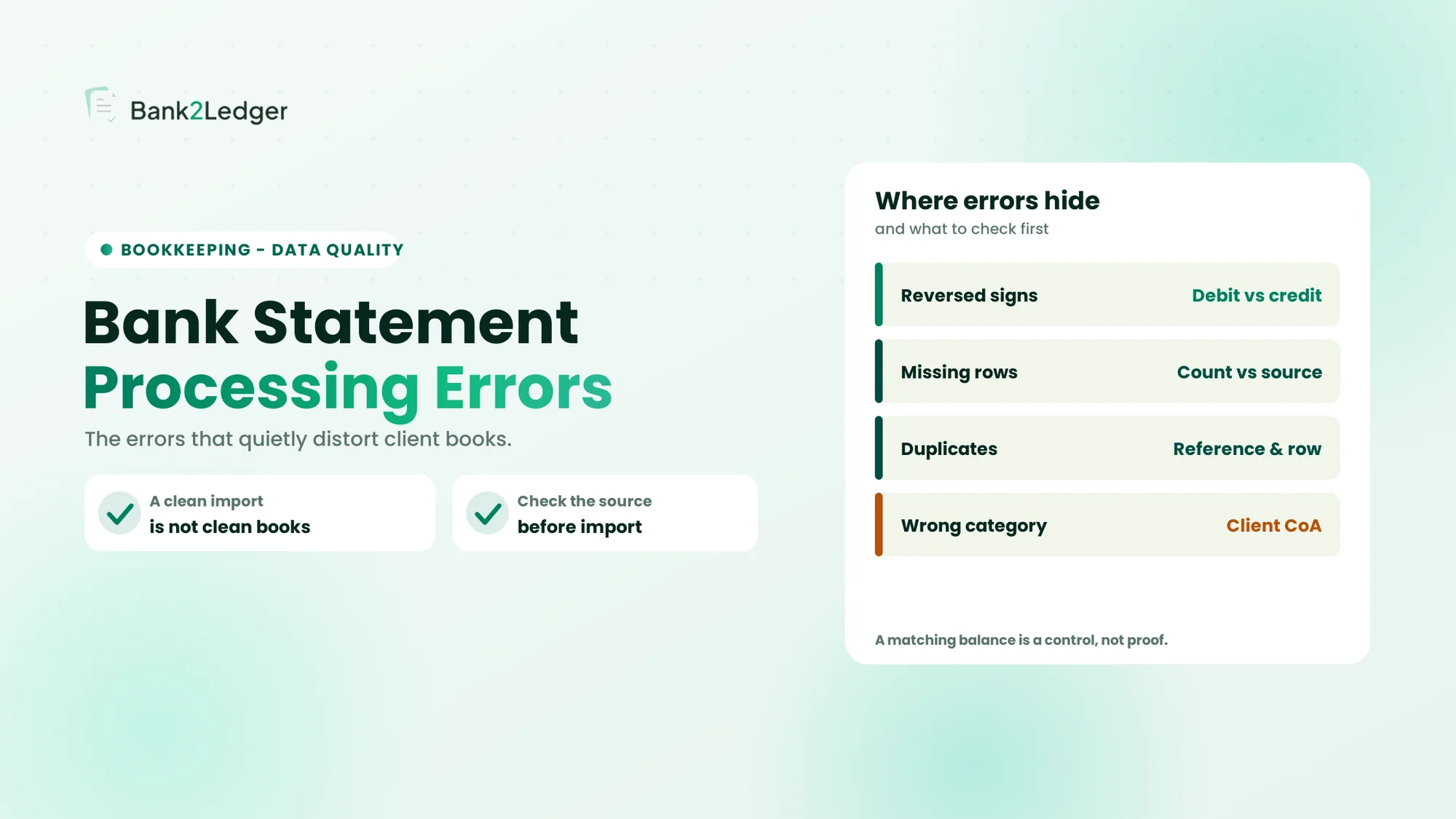
A corrected extraction field and a change to the underlying bank transaction are not the same thing. A bookkeeper correcting an OCR error is not changing the transaction the bank recorded; they are correcting the extracted representation of it. Keeping that distinction clear prevents a cleanup edit from looking like an alteration of the bank’s record. For the errors that drive these corrections, see common bank statement processing errors.
4. Categorisation and Chart of Accounts Changes
Categorisation deserves separate attention from other edits, because a category change is an accounting decision rather than a data correction. The fields worth keeping are the original category, the revised category, the account code, any client-specific mapping or rule, the person responsible, the timestamp, the reason for recategorisation, and reviewer details where the change was reviewed.
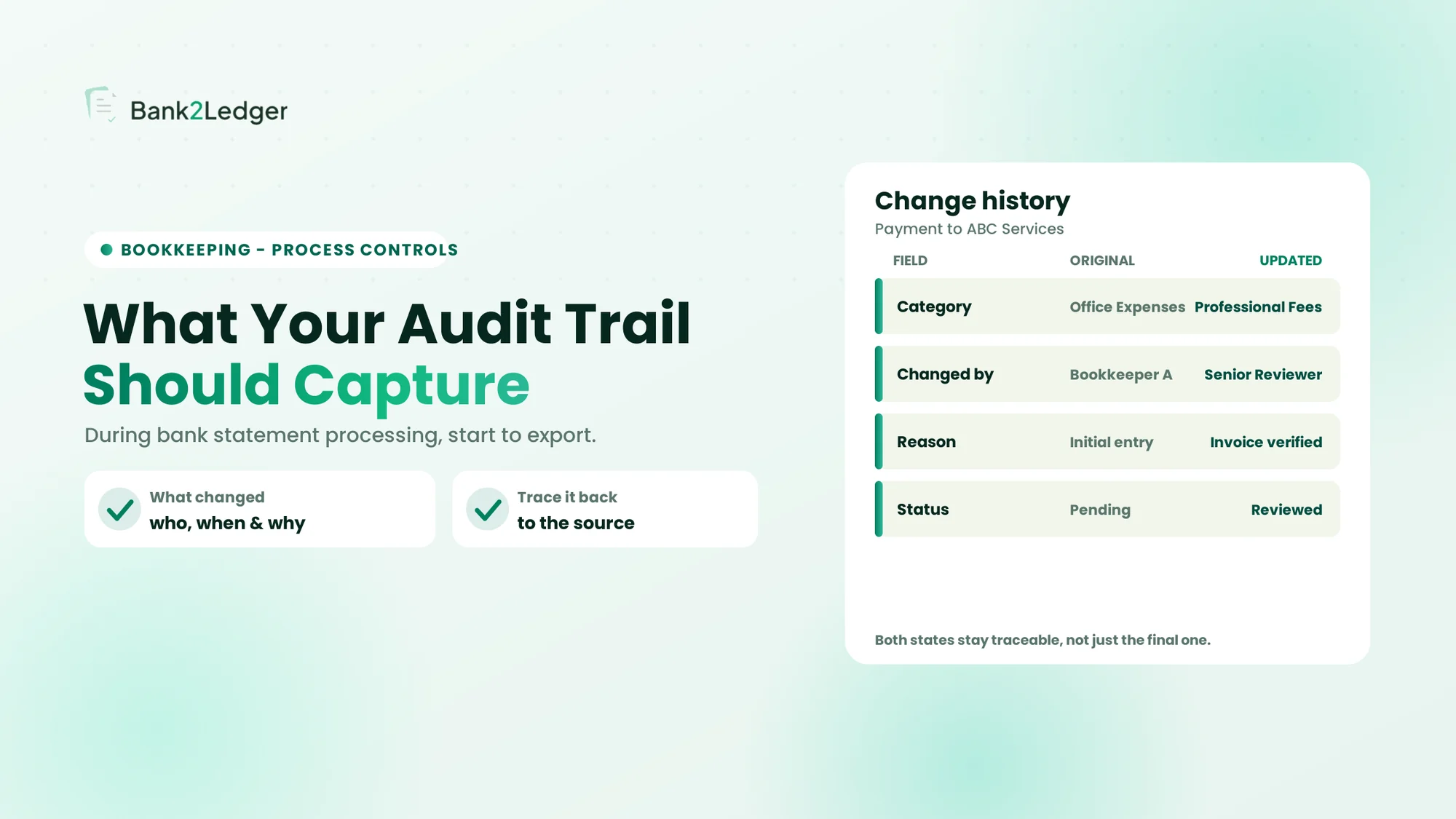
Example: a transaction is first categorised as Office Expenses. The bookkeeper checks the supporting invoice and finds the payment relates to Professional Fees. The firm should retain both categories rather than only the final one, so the change can be explained later. The same merchant may also be mapped differently for different clients depending on the nature of the purchase, which is why client-specific rules matter here.
An automated categorisation rule is not the same as an accounting judgement or a final approval. A rule proposes a treatment; a person confirms it. Recording which category came from a rule and which came from a reviewer keeps that line visible.
5. Exceptions, Flags and Resolution Notes
Some transactions need investigation before they can be used, and those need their own traceable record. Common triggers include unclear descriptions, potential duplicates, missing transaction information, opening and closing balance inconsistencies, uncertain categories, missing supporting documents, and transactions that need additional review before a client query can be answered.
| Field | What it records |
|---|---|
| Exception ID | Unique issue reference |
| Transaction reference | Related transaction |
| Flag reason | Why the issue was raised |
| Assigned user | Who is responsible |
| Action taken | Investigation performed |
| Supporting evidence | Relevant document or reference |
| Resolution note | What was established |
| Resolution date | When it was closed |
| Status | Open, pending or resolved |
A resolved exception should carry a documented outcome. Changing a status to resolved without recording what happened offers little value during a later review, because the next person still cannot see what was established or why the item was closed.
6. Reviewer and Approval History
The person who prepared the data and the person who reviewed it play different roles, and the record should keep them distinct. Useful fields are the preparer identity, the reviewer identity, the review timestamp, the review scope, issues identified, corrections requested, corrections completed, and the final review status.
Statuses such as Prepared, In Review, Changes Required, Reviewed and Exported should not be treated as interchangeable, because each means something different about where the work stands. Segregation of duties, where the preparer and the approver are different people, is a useful control where the firm’s size and risk profile justify it. It is not a requirement that a second reviewer check every bookkeeping task; small practices can apply it selectively based on risk.
7. Export and Output History
The final record ties the processed data back to its source. Worth capturing are the export date and timestamp, the client reference, the bank account reference, the export format, the output file name or reference, the person generating the export, the destination system where recorded, and any re-export or correction history.
With these, a firm can establish which output was sent to the accounting system or the client. Generating an export and confirming that the accounting software successfully imported or posted it are two different events, and only recording the first does not prove the second happened.
Example: What Should a Transaction Change History Look Like?
A junior bookkeeper processes a statement for a client. A payment to ABC Services is first assigned to Office Expenses. During review, the senior bookkeeper checks the invoice and changes the category to Professional Fees. The change history makes both states visible:
| Record | Initial processing | After review |
|---|---|---|
| Transaction description | ABC Services | ABC Services |
| Amount | ₹12,000 | ₹12,000 |
| Category | Office Expenses | Professional Fees |
| Responsible person | Bookkeeper A | Senior Reviewer |
| Reason | Initial categorisation | Invoice verified |
| Review status | Pending | Reviewed |
The events, in order, were: the transaction was extracted; an initial category was assigned; the statement was submitted for review; the category was changed; the supporting invoice reference was recorded; the review was completed; and the final data was exported.
This table illustrates an appropriate record format. It does not mean that any particular tool, including Bank2Ledger, currently exposes every field shown. A firm should confirm what its own software captures.
The history is far more informative than a final transaction record that shows only Professional Fees. The final record states the conclusion; the history explains how the firm reached it, which is what a reviewer or client actually asks about.
How Should Firms Document Exceptions and Their Resolution?
Exception handling deserves a closer look than a single field table can give, because the value is in the sequence, not just the record.
Example: An Unclear Transaction Description
A bank statement contains a transaction described as NEFT ABC ENTERPRISES. The bookkeeper cannot confidently decide the accounting category from the description alone. A sound approach runs in order:
- Flag the transaction.
- Record the reason for flagging.
- Assign it to a responsible person.
- Request supporting information if necessary.
- Record the evidence received.
- Document the conclusion.
- Update the transaction only after appropriate verification.
- Close the exception with a recorded outcome.
Captured compactly, that looks like this:
| Field | Example |
|---|---|
| Exception ID | EX-021 |
| Issue | Unclear transaction purpose |
| Transaction | TXN-205 |
| Assigned to | Bookkeeper B |
| Action | Requested supporting invoice |
| Evidence | Client-provided invoice |
| Resolution | Transaction purpose verified |
| Status | Resolved |
Three states are worth keeping distinct: an unresolved exception that still needs work, a pending client query that is waiting on someone outside the firm, and a completed correction that has been verified and closed. Collapsing them into a single status hides where an item actually stands.
Processing Audit Trail vs Accounting Software Audit Trail
A processing audit trail documents how bank statement data is prepared. An accounting-software audit trail records changes made to accounting records inside the software. They cover different stages, and one does not substitute for the other.
Understanding the Three Different Records
Three records get called an audit trail, and separating them keeps the discussion accurate:
- Bank statement processing history covers intake, extraction, validation, corrections, categorisation, exceptions, review and export preparation.
- Accounting-software audit trail covers changes made to accounting records within the accounting system, subject to the software’s capabilities and the applicable requirements.
- Audit documentation covers the evidence and work performed by an auditor, including procedures, findings and conclusions.
| Comparison | Processing history | Accounting-software audit trail | Audit documentation |
|---|---|---|---|
| Main focus | Statement preparation | Accounting record changes | Audit work |
| Typical user | Bookkeeper | Accounting software user | Auditor |
| Example | Correcting extracted data | Editing a posted voucher | Recording audit procedures |
| Main purpose | Operational traceability | Traceability of accounting records | Supporting audit conclusions |
What Indian Companies Should Know About Audit-Trail Requirements
Under the proviso to Rule 3(1) of the Companies (Accounts) Rules, 2014, a company that keeps its books of account in accounting software must use software that records an audit trail of each transaction, creates an edit log of each change with the date, and that cannot have the audit trail feature disabled. The requirement applies for financial years beginning on or after 1 April 2023.
A few points are worth holding precisely. The rule applies to companies as defined under the Companies Act; it does not, by its own terms, extend identically to every sole proprietor, partnership or pre-accounting tool. Separately, statutory auditors report on the audit-trail feature under Rule 11(g) of the Companies (Audit and Auditors) Rules, 2014. The ICAI Implementation Guide on Reporting on Audit Trail under Rule 11(g), Revised 2024 Edition is the primary professional reference for how that reporting is approached.
A pre-accounting tool’s processing records do not automatically satisfy the accounting-software requirements under Rule 3(1), and this summary is general. Every firm should check the current rules and ICAI guidance against its own facts before drawing a conclusion.
How to Build a Practical Audit-Trail Process in Your Firm
The point of a process is that the firm can follow it without the original preparer in the room. These steps give a usable procedure rather than another field list.
Step 1. Create a Consistent Client and Statement Reference
Give every processing job a reference that identifies the client, the entity, the bank account, the statement period and the job itself. A sample format is CLIENT01-BANK02-2026-10. The format is illustrative; each firm should adopt its own naming convention and use it consistently.
Step 2. Preserve the Original Statement
Keep the original file identifiable, restrict access to it, avoid accidental overwrites, link processed records back to it, and follow the firm’s document-retention policy. The original is the reference every later question is checked against.
Step 3. Record Important Processing Activities
Record the milestones that matter, and distinguish a failed attempt from completed processing. A reprocessed statement should add to the history rather than erase what came before.
Step 4. Maintain Transaction Change History
For each change, record the original value, the revised value, the user identity, the timestamp and the reason. Keeping the original value alongside the new one is what lets a reviewer see what moved.
Step 5. Maintain an Exception Register
Give exceptions a home of their own, where each is assigned, investigated, resolved and closed with a recorded outcome, so no flagged item quietly disappears.
Step 6. Define Preparation and Review Responsibilities
Set out who does what across the junior bookkeeper, the senior bookkeeper, the reviewer, and the partner or firm administrator. Match the structure to the firm; a small practice should not be forced into a large-firm hierarchy it does not need.
Step 7. Link the Final Export to Its Processing History
Record the final file reference and connect it to the processing history, and keep export completion separate from confirmation that the accounting system imported or posted the data. The test of the whole process is simple: can the firm follow a statement’s history even when the person who handled it is unavailable?
A processing audit trail works when any colleague can pick up a finished job and reconstruct what happened, without calling the person who did it.
Common Audit-Trail Gaps That Make Reviews Difficult
Most traceability problems come from a handful of recurring gaps. Each one is avoidable.
Keeping Only the Final Exported File
The final data shows the conclusion but not how earlier corrections were made, so it cannot answer a question about why a number changed.
Overwriting Original Extracted Information
When a correction overwrites the original value, the firm loses the ability to show what was first captured. Retaining the original alongside the corrected value keeps the change visible.
Using Shared Employee Accounts
Shared logins break individual accountability, because the record cannot show which specific person performed an action. Named access is what makes the who in the audit trail meaningful.
Not Recording Reasons for Categorisation Changes
A changed category without a recorded reason is hard to review later. The number moved, but nothing explains the judgement behind it, so the reviewer has to reconstruct it from scratch.
Marking Statements Complete Without Review Details
Completed processing and completed review are different milestones. Marking a statement complete without recording who reviewed it, and when, blurs the two and weakens the control.
Failing to Connect Exports to Original Statements
When the export is not linked back to the source document and the processing reference, the chain breaks at the last step, and later reconciliation after statement conversion becomes harder than it needs to be. The practical test for any firm is whether it can reconstruct the processing history of a selected statement without depending on the memory of the employee who handled it.
How Bank2Ledger Fits into a Traceable Pre-Accounting Workflow
Bank2Ledger supports the pre-accounting stage of this workflow for bookkeeping firms. Its verified capabilities include client-specific workspaces, client-specific Charts of Accounts and categorisation rules, statement processing, review and exception workflows, client-level workflow visibility, and export history where supported. These help a firm organise statement processing across many clients and staff, which is the setting where traceability matters most.
What the tool does not do is remove the firm’s own responsibility for its records. It does not guarantee statutory compliance, it does not by itself mean every action sits in an immutable audit log, and an export being generated does not prove the data was successfully posted into accounting software. A firm should confirm the specific audit-trail and logging capabilities it needs against its own control requirements rather than assume any tool covers all of them.
Organise statement processing you can actually trace
Bank2Ledger prepares bank statements per client, with categorisation rules, review queues and exception handling, so the processing history stays organised across clients and staff. Confirm its specific logging capabilities against your firm’s control requirements.
Frequently Asked Questions
What should an audit trail record during bank statement processing?
It should record the original source document, the processing activities, transaction corrections, categorisation changes, exception records, staff details, reviews and exports. Together these let a firm trace a transaction from the original statement through every change to the final exported entry.
Should transaction corrections be recorded in an audit trail?
Yes. Both the original value and the revised value should stay traceable, along with the person who made the change and the reason for it. Keeping only the corrected value removes the firm’s ability to show what was first captured and why it was changed.
Why should an audit trail identify the person who changed a transaction?
Named accountability supports internal review and lets the firm investigate a later client query. If a transaction moved from one category to another, the record should show who did it, so the firm can confirm the change was appropriate rather than guess.
Is a bank statement upload history enough for an audit trail?
No. An upload timestamp shows that a file entered the workflow, but it does not document the extraction, corrections, categorisation, review and export that followed. A complete audit trail connects those later activities, not just the moment the file arrived.
Is a processing audit trail the same as an accounting-software audit trail?
No. A processing audit trail covers pre-accounting activity, how statement data is prepared before it reaches the books. An accounting-software audit trail records changes made to accounting records inside the accounting system. They cover different stages and are complementary, not substitutes.
Does Indian law require accounting software to maintain an audit trail?
Under Rule 3(1) of the Companies (Accounts) Rules, 2014, companies keeping books in accounting software must use software with an audit-trail and edit-log feature, for financial years beginning on or after 1 April 2023. It applies to companies, not to every bookkeeping business, so check the current rule for your situation.
How long should bank statement processing records be retained?
Retention depends on the applicable legal, regulatory and contractual requirements and the firm’s own policy. There is no single universal period that fits every firm or client, so a firm should set retention against the rules that apply to it rather than adopt a fixed number by default.
Conclusion: Make Every Processing Decision Traceable
A useful bank statement processing audit trail connects the original statement with the final processed output, and makes the significant corrections, exceptions and reviews in between traceable. When a client queries an old transaction, a firm should be able to answer three questions with confidence: what happened, who handled it, and what changed and why. If any of those is hard to answer from the records, that is where the gap is. Reviewing the firm’s current processing records against these three questions is a practical way to find and close it.