A client sends over a folder of bank statements for the year. Twelve PDFs, clearly labeled, all from the right bank. Looks good. The team starts processing, and within the first hour, problems surface: March is missing from the savings account, a credit card that was active for six months never got included, and the Chart of Accounts on file hasn’t been updated since the client changed their business structure.
Every one of those issues is easier to catch before extraction and categorization begin than after. Unwinding processed transactions because the source data was incomplete costs real hours, and it’s avoidable.
A bank statement intake checklist is the quality gate between receiving a client’s financial documents and actually starting the work. This article lays out the checks, the tracking structure, and a readiness framework you can adapt into your firm’s SOP.
What is a bank statement intake checklist?
A bank statement intake checklist is a repeatable set of checks an accounting firm runs to confirm that the right accounts, statement periods, files, transaction coverage, and accounting context are in place before processing begins. It answers one question: is this data ready for the workflow?
This is different from client onboarding.
| Client onboarding | Statement intake |
|---|---|
| Engagement scope | Statements required |
| Contacts | Accounts in scope |
| Software access | Period coverage |
| Billing | File completeness |
| Responsibilities | Opening and closing balances |
| Communication process | Chart of Accounts |
| Overall relationship setup | Processing and review requirements |
Onboarding establishes the relationship. Intake establishes whether the source material is actually ready for transaction processing. Plenty of onboarding checklists already exist. This article focuses on the second part, because that’s where the operational gaps tend to hide.
Bank statement intake checklist
1Confirm the client and entity
Correct client identified
Correct legal or business entity
Correct accounting file
Correct reporting period
Internal client identifier confirmed
Processor assigned
Reviewer assigned
When a firm handles dozens of clients, attaching a correct statement to the wrong entity is a real risk. It doesn’t happen because someone is careless. It happens because file names are ambiguous, multiple entities share an owner, or the folder structure doesn’t enforce separation. Confirming the entity before anything else prevents downstream corrections that take far longer than the check itself.
2Identify every account in scope
Operating checking accounts
Savings accounts
Credit cards
Other business bank accounts
Newly opened accounts
Closed accounts
Accounts used only temporarily
Accounts not connected to the accounting software
This step matters more than most firms give it credit for. Before you can ask “did we receive every statement,” you need to know which accounts should have statements in the first place. A bank account inventory is the foundation. Without it, you’re checking files against an incomplete list.
Closed accounts are particularly easy to miss. If an account was open for four months of the period, those four statements still need to be in scope.
3Confirm statement period coverage
| Account | Required period | Received | Missing periods | Status |
|---|---|---|---|---|
| Operating account | Jan–Dec 2026 | 12 | None | Ready |
| Savings account | Jan–Dec 2026 | 10 | Mar, Jul | Follow up |
| Credit card | Jan–Dec 2026 | 12 | None | Ready |
Don’t count files. Check coverage.
Twelve files doesn’t guarantee twelve months. Some statements cover quarterly periods. Some accounts opened mid-year. Some PDFs contain duplicate months while skipping another. Overlapping statement periods from different download dates can also create confusion if nobody checks the actual date ranges.
The first time a firm standardizes this step, the number of “complete” client packages that turn out to have gaps is usually surprising.
4Verify statement page completeness
Page numbers are sequential
First page exists
Final page exists
Continuation pages are included
Pages without transactions haven’t been discarded
No pages appear cropped
No statement was accidentally split across files
A complete file is not necessarily a complete statement. Clients sometimes skip pages they consider unimportant (like a page showing only the account summary or a page with a single transaction). Scanned documents are especially prone to missing continuation pages.
5Check file quality
Not every file that arrives can be processed cleanly.
Digital PDFs from online banking portals are generally reliable. Scanned PDFs and image files introduce variables: resolution, rotation, cropping, and legibility all affect whether transaction data can be accurately extracted.
Check for:
Digital vs. scanned format identified
Scan resolution is adequate
Pages are not rotated or cropped
Transaction descriptions are readable
Password-protected files are flagged
Blurry or damaged sections are noted
Identifying a problematic file at intake means you can request a better copy before the processing team hits a wall. That’s the entire point of this step.
6Record opening and closing balances
Opening balance identified
Closing balance identified
Statement period confirmed
Balance information is readable
Any discrepancy documented
Opening balance plus transaction activity should tie to the closing balance. This is the first mathematical check, and it catches missing pages, truncated files, and corrupted data early.
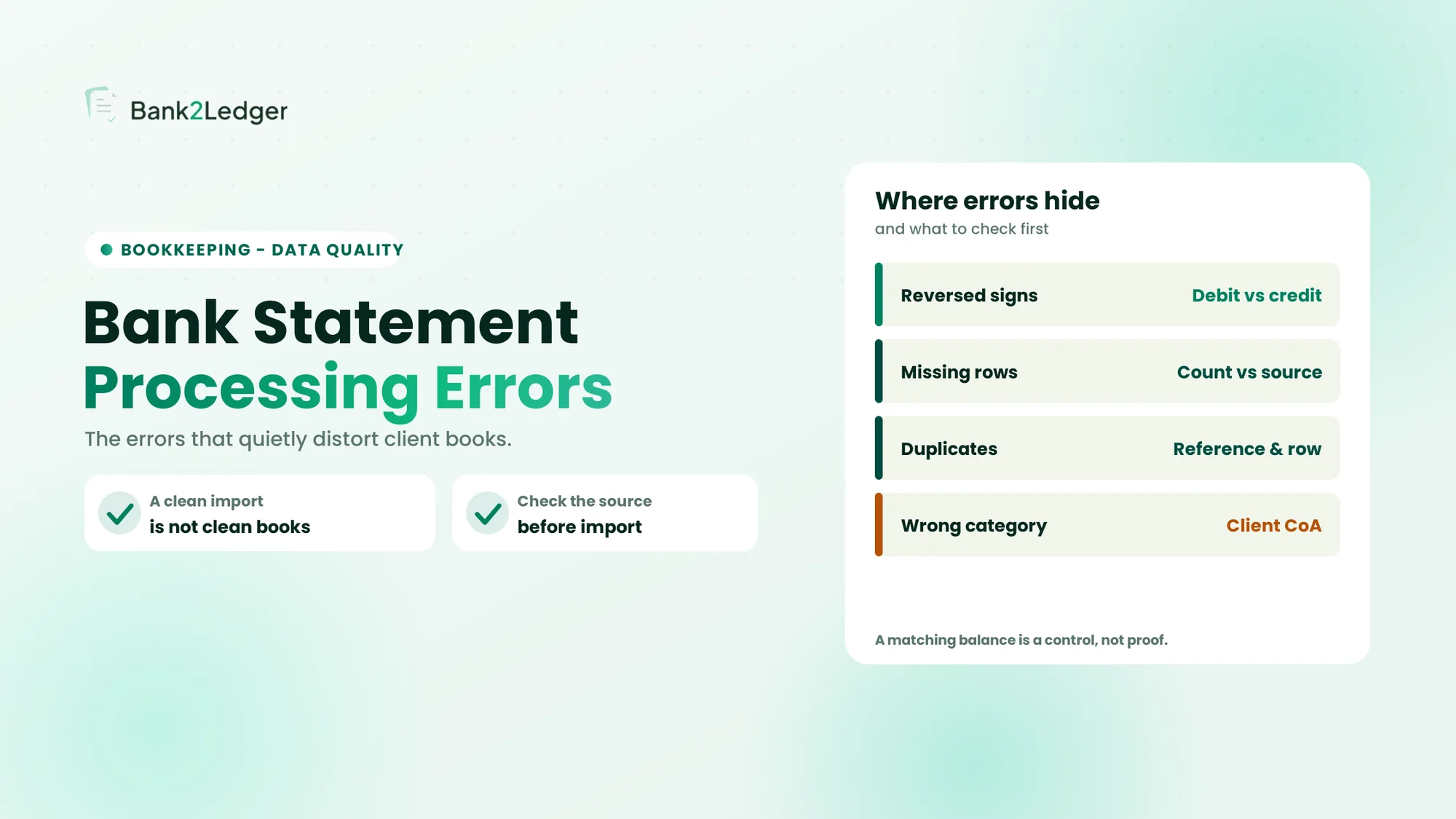
One important distinction: a balance that ties is not proof that every transaction row is correct or complete. A statement can balance perfectly and still have issues at the transaction level. For more on that, see how a bank statement can balance and still have missing transactions.
7Check transaction coverage
Date range appears continuous
No unexplained gaps in activity
No obvious duplicate files
No overlapping statement copies
Transaction pages are present
Beginning and ending transactions connect logically across periods
Intake checks establish whether you have the source material required for downstream validation. The actual line-by-line verification happens during processing, but if the source coverage has holes, no amount of extraction accuracy will fix that. For context on why extraction accuracy alone isn’t enough for accounting firms, that’s a separate discussion worth reading.
8Confirm the Chart of Accounts
Current Chart of Accounts on file
Account names confirmed
Account codes, where applicable
Account types verified
Recently changed accounts noted
Client-specific accounting conventions documented
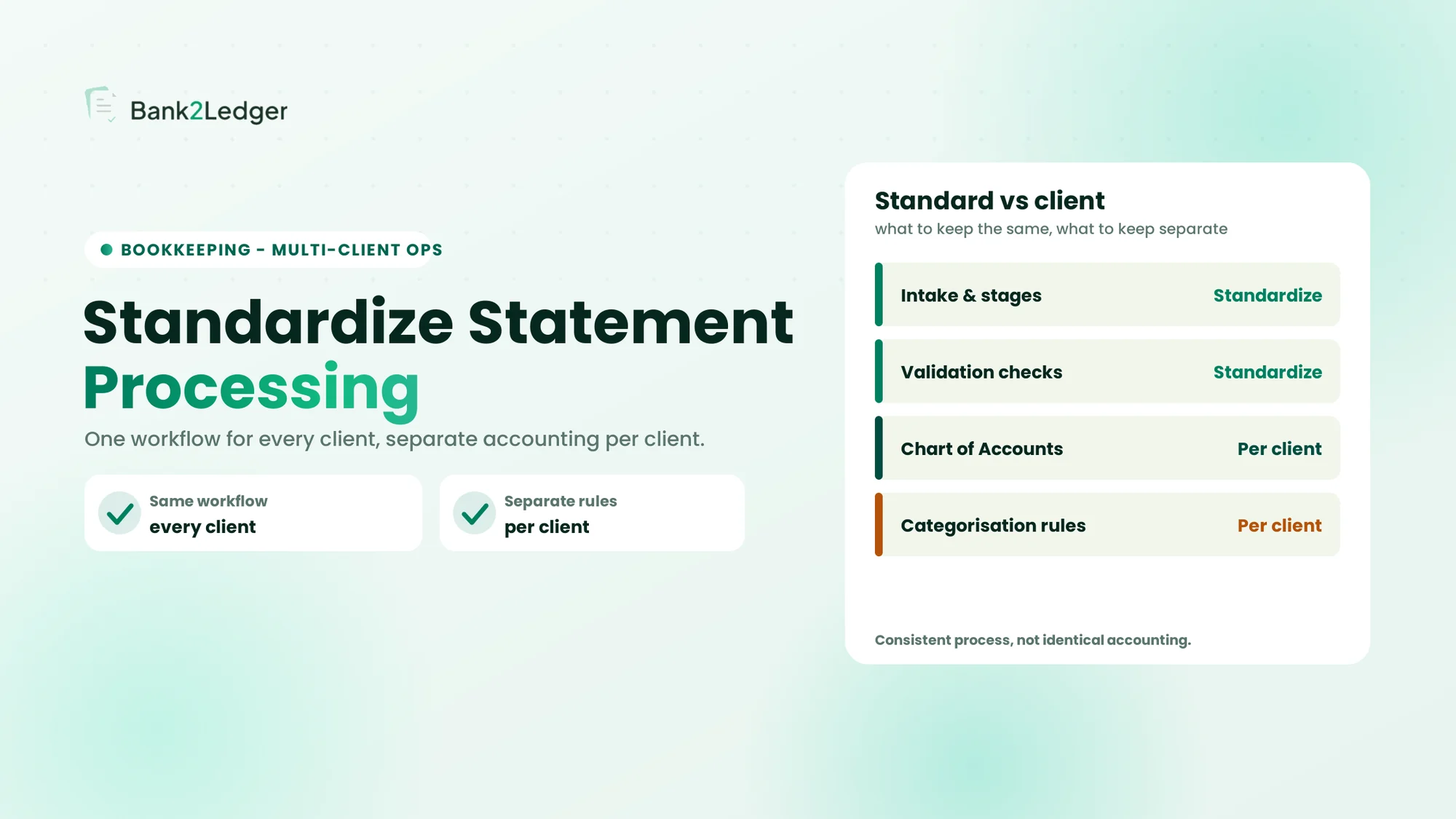
Transaction data can’t be meaningfully categorized without knowing the accounting structure it needs to fit into. An outdated CoA means the processing team is working against a map that no longer matches the territory. This is where client-specific categorization rules become critical.
9Document client-specific rules
Which recurring merchants have known categories? How are inter-account transfers treated? What about owner draws, loan payments, or recurring subscriptions? Which transactions always require manual review?
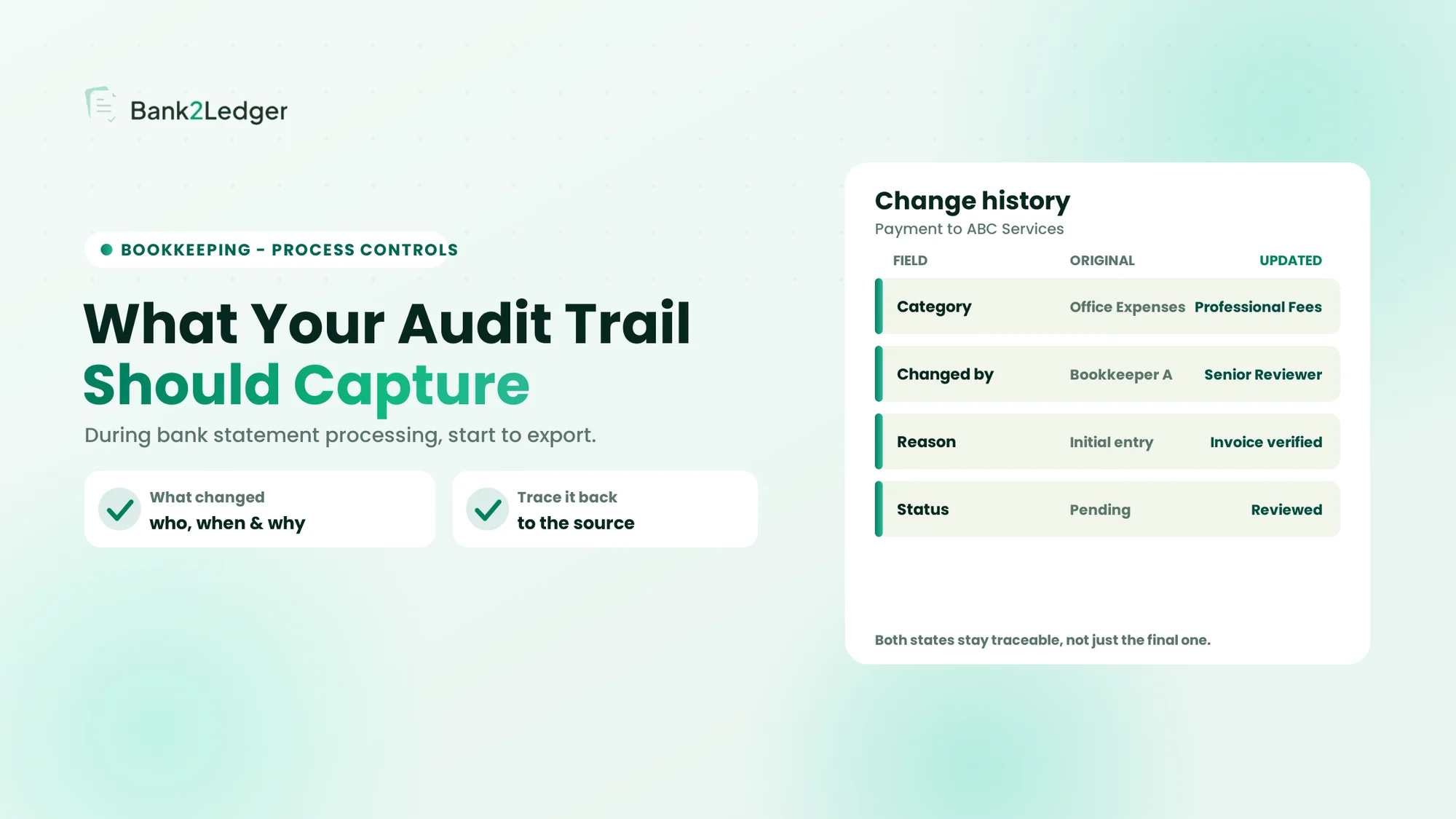
This isn’t about building a full categorization manual at intake. It’s about confirming that the rules exist and are accessible to whoever processes the file. If the last person who knew the client’s preferences left the firm six months ago and nothing was written down, that’s an intake problem, not a processing problem.
10Confirm the accounting destination
Target accounting software identified (QuickBooks, Xero, Tally, Sage, Excel, other)
Required export format confirmed
Any destination-specific requirements noted
Knowing where processed data needs to land before you start processing determines the output structure. A QuickBooks import has different requirements than a Tally XML file. For firms exporting to QuickBooks specifically, what to check before importing converted bank statements covers the downstream considerations.
11Assign processing and review ownership
| Responsibility | Owner |
|---|---|
| Document collection | |
| Processing | |
| Exception resolution | |
| Categorization review | |
| Final review | |
| Client questions |
Firms that skip this step end up with files that sit in a queue because nobody is explicitly responsible. Ownership assignment at intake prevents that.
A clean handoff between intake and processing
Having a clear boundary between intake and processing is what makes the entire bank statement to posted books workflow hold together. Bank2Ledger picks up once your intake checklist confirms the data is ready.
Bank statement intake register
Use this as a tracking template. Copy it into a spreadsheet or your firm’s project management tool.
| Client | Account | Type | Period | File received | Pages verified | Balance check | CoA confirmed | Rules documented | Reviewer | Status |
|---|---|---|---|---|---|---|---|---|---|---|
This register gives you a single view across all clients. When a partner asks “are we ready to start processing Client B,” the answer should be in this table, not in someone’s memory.
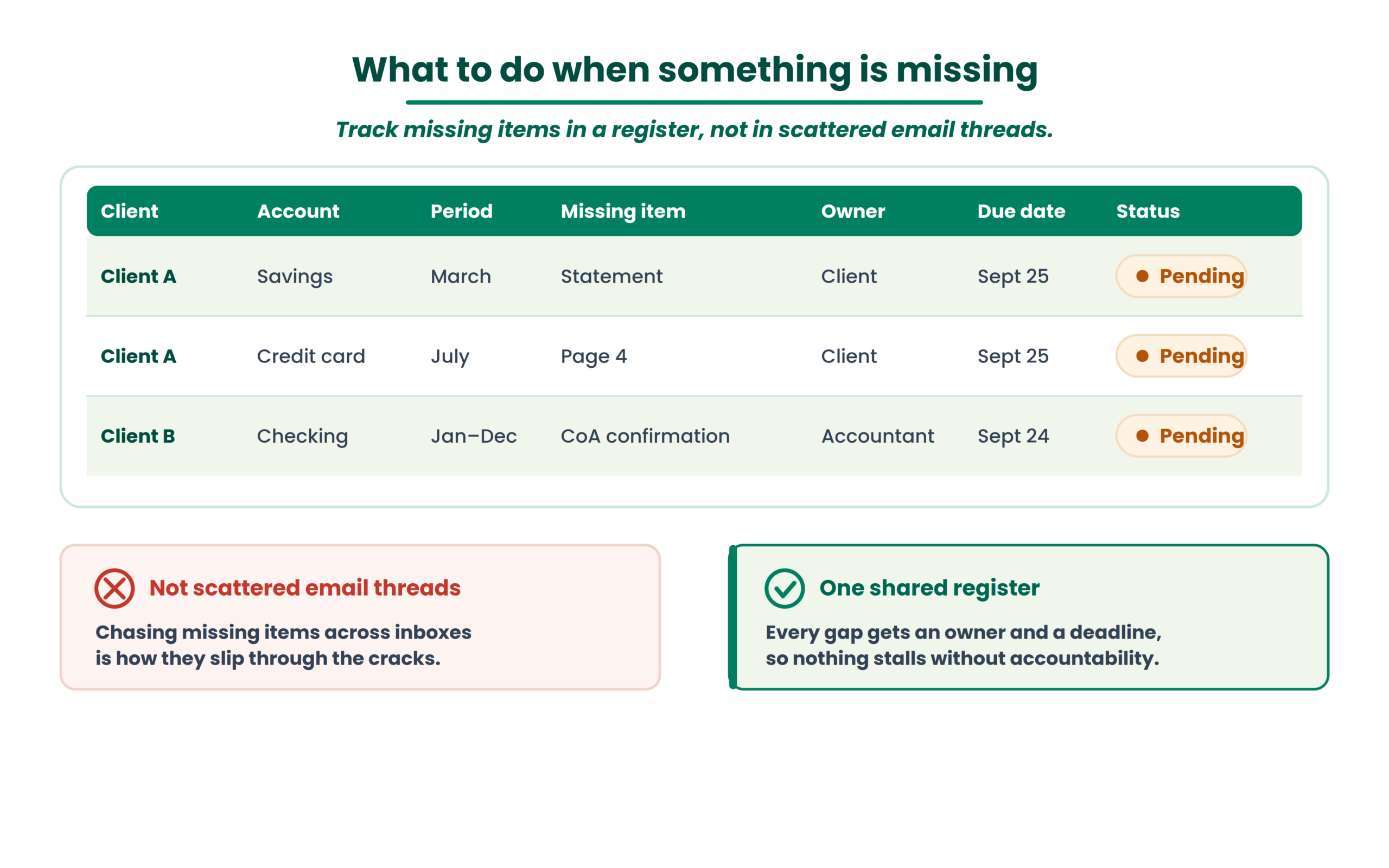
What to do when something is missing
| Client | Account | Period | Missing item | Owner | Due date | Status |
|---|---|---|---|---|---|---|
| Client A | Savings | March | Statement | Client | Sept 25 | Pending |
| Client A | Credit card | July | Page 4 | Client | Sept 25 | Pending |
| Client B | Checking | Jan–Dec | CoA confirmation | Accountant | Sept 24 | Pending |
Tracking outstanding items in a register is more effective than scattered email threads. It also creates accountability: every gap has an owner and a deadline.
Is the client data ready for processing?
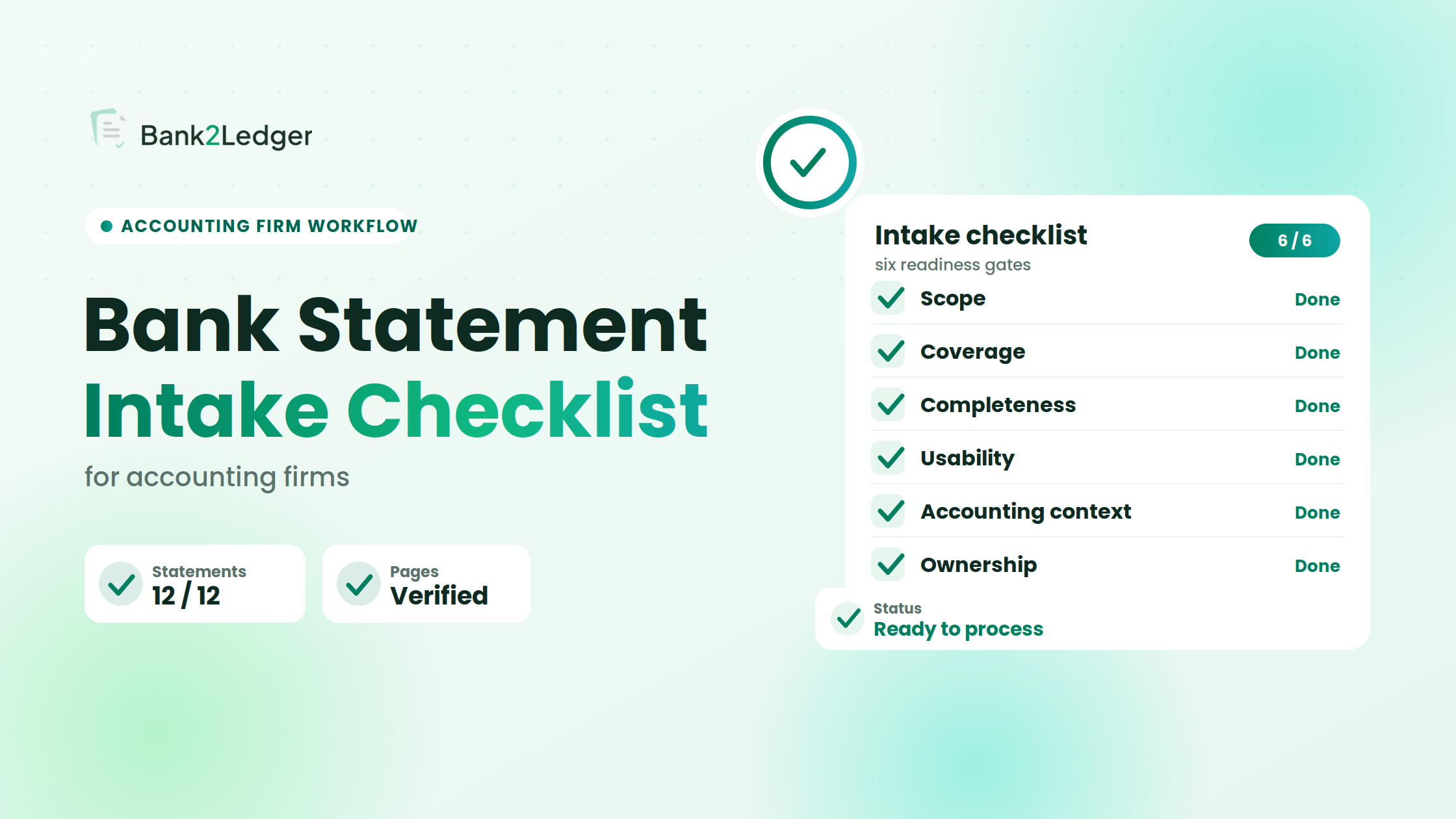
Before moving any client’s data into the processing workflow, run it through six gates.
→
Six intake gates
→
Ready to process
1
Scope. Do you know exactly which client, entity, and accounts are in scope?
2
Coverage. Do you have every required statement period for every account?
3
Completeness. Are all pages and files present, with no gaps?
4
Usability. Can the statements actually be read and processed? Are scans legible, pages intact, files accessible?
5
Accounting context. Do you have the current CoA and the client-specific categorization rules needed for processing?
6
Ownership. Is it clear who processes, who reviews, and who resolves exceptions?
If any gate is incomplete, the work stays in intake. Moving forward with known gaps creates rework. The whole purpose of this framework is to make the boundary between “received” and “ready” explicit, because document received does not equal intake complete.
Where Bank2Ledger fits after intake
Intake confirms what you should have. Processing addresses what’s actually in the statements, how it maps to the client’s accounting structure, and what needs review before export.
Once your intake checklist confirms the data is ready, Bank2Ledger picks up from there: upload statements, extract transactions, verify balances, apply the client’s Chart of Accounts and categorization rules, review exceptions, and export to QuickBooks, Xero, Tally, Sage, or Excel.
The intake process described in this article is software-independent. But having a clear handoff point between intake and processing is what makes the entire bank statement to posted books workflow hold together.
Frequently asked questions
What is a bank statement intake checklist?
A bank statement intake checklist is a structured set of checks accounting firms use to verify that every required account, statement period, file, and piece of accounting context is present and usable before transaction processing begins. It sits between document collection and the start of actual bookkeeping work.
What should an accounting firm check before processing bank statements?
Account inventory, period coverage, page completeness, file quality, opening and closing balances, the current Chart of Accounts, client-specific categorization rules, the target accounting software, and who owns processing and review.
How do you check whether all statement periods are covered?
Build a simple matrix: list every account in scope down the left side, list every required month or quarter across the top, and mark which statements you actually have. Gaps become visible immediately. Don’t rely on file counts.
Does receiving every bank statement mean the data is complete?
No. A statement file can arrive with missing pages, unreadable scans, or overlapping periods. The balance might tie while individual transaction rows are still absent. Completeness requires verification beyond file count.
What should accountants check on scanned bank statements?
Resolution, legibility of transaction descriptions, page orientation, whether any content has been cropped, and whether continuation pages are included. Low-quality scans create extraction errors that are expensive to fix after the fact.
Why does the Chart of Accounts matter before transaction categorization?
Because every transaction needs to land in the right account. If the CoA is outdated, contains renamed accounts, or doesn’t reflect the client’s current business structure, categorization will be wrong from the start. Fixing categorization after processing takes longer than confirming the CoA at intake.
Who should review processed transaction data?
That depends on the firm’s structure, but the reviewer should be assigned at intake, not after processing is finished. Typical ownership splits processing between a staff accountant or bookkeeper and assigns review to a senior accountant or manager.
A bank statement intake checklist isn’t complicated to build. The hard part is using it consistently, for every client, every period. If your firm doesn’t have one yet, start with the register table above and the six readiness gates. The next problem you’ll run into is standardizing what happens after intake, during processing itself, and that’s a different workflow to design.