Every bookkeeper knows the drain: a client emails twelve months of bank statements as PDFs, and somewhere between page 40 and page 300, an entire afternoon quietly disappears into a spreadsheet.
The frustrating part is that none of that time is actually accounting. It’s transcription — copying a date, a description, and an amount from a PDF into a ledger, one line at a time, hoping you didn’t fat-finger a decimal. This guide walks through a cleaner path: how modern pre-accounting turns raw statements into posted books, and where a human still adds the value that software can’t.
Why statement data entry quietly eats your month-end
Manual entry scales with volume, not value. A busy trading client can generate hundreds of transactions a month, and every one is a chance to mistype, miscategorise, or miss a line entirely. Worse, most tools that promise to help charge per seat, so the cost climbs every time your firm hires. The work feels essential because the books can’t close without it — but the keying itself is pure overhead.
The four-step path from PDF to posted books
Whether you do it by hand or with a tool like Bank2Ledger, the underlying steps are the same. Understanding them makes it obvious which parts are safe to automate.
1. Extract every transaction
The first job is pulling each line — date, description, and amount — out of the PDF, whether the statement is a clean digital export or a scanned image. Multiple accounts for one client get consolidated into a single working ledger so nothing lives in a separate tab you’ll forget about.
2. Prove the math before you trust it
Extraction is only useful if it’s complete. The reliable check is arithmetic: opening balance plus every transaction should equal the closing balance printed on the last page. If it doesn’t tie out, a line was missed or misread — and you want to catch that now, not three reconciliations later.
3. Apply the client’s chart of accounts
This is where generic tools fall down — they guess. Real bookkeeping uses the account codes and naming you already maintain for each client. Good categorisation follows rules you control:
- Match on description, amount range, or payee
- Recode a transaction once and turn it into a rule for every future statement
- Hold low-confidence lines in a review queue — you stay the approver
4. Export to wherever the books live
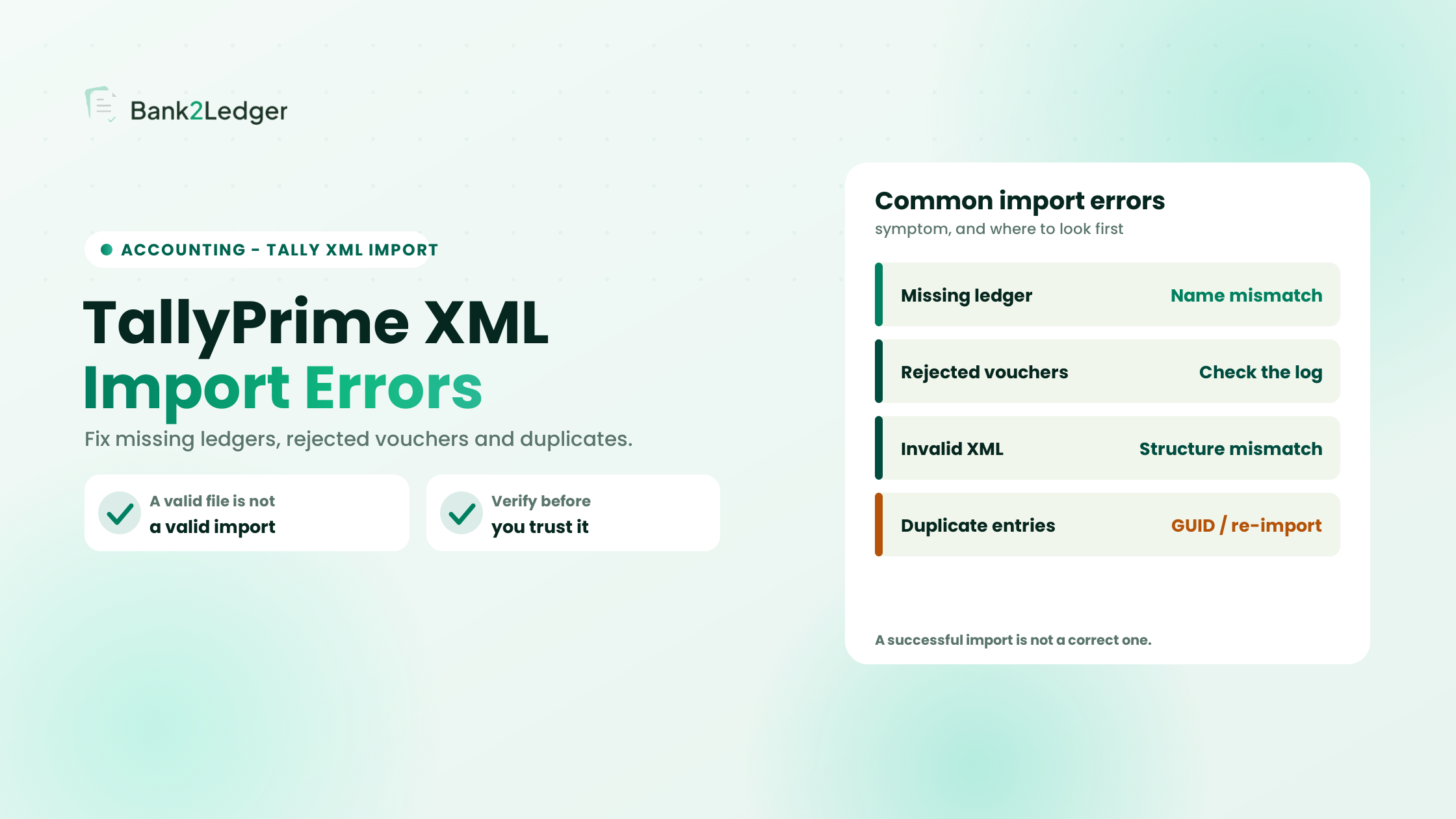
Finished ledgers should drop straight into the client’s software: a QBO file for QuickBooks, a CSV shaped for Xero, XML for Tally, or plain Excel working papers for the shoebox client. One conversion, any destination — no reshaping by hand.
Rules that remember how you work
The compounding win isn’t the first statement — it’s the hundredth. Once you’ve told the system that “AWS” is software and a particular payee is payroll, it applies that every month, for that client, without asking again. Your judgment gets captured once and reused, so month two takes a fraction of month one.
One workspace per client
Firms don’t process one statement — they process forty, each with its own bank, chart of accounts, and history. Keeping every client isolated (their own rules, their own export history) is what makes a shared tool safe for a whole practice: juniors process, partners review, and the working papers show who touched what.
Does it replace my accounting software?
No — and that’s the point. This is pre-accounting: the messy step before QuickBooks or Xero. Keep your accounting stack exactly as it is. The job here is turning a folder of PDFs into clean, verified data that your existing software will happily import.
The bottom line
You don’t bill your clients for data entry, so it shouldn’t cost you your evenings. Automate the transcription, keep the judgment, and give month-end back to the work that actually needs a bookkeeper. Upload one real statement, watch it tie out, and export it — if it doesn’t save you an afternoon, close the tab.